
How to integrate Google Cloud TTS into AtlasVoice Pro?
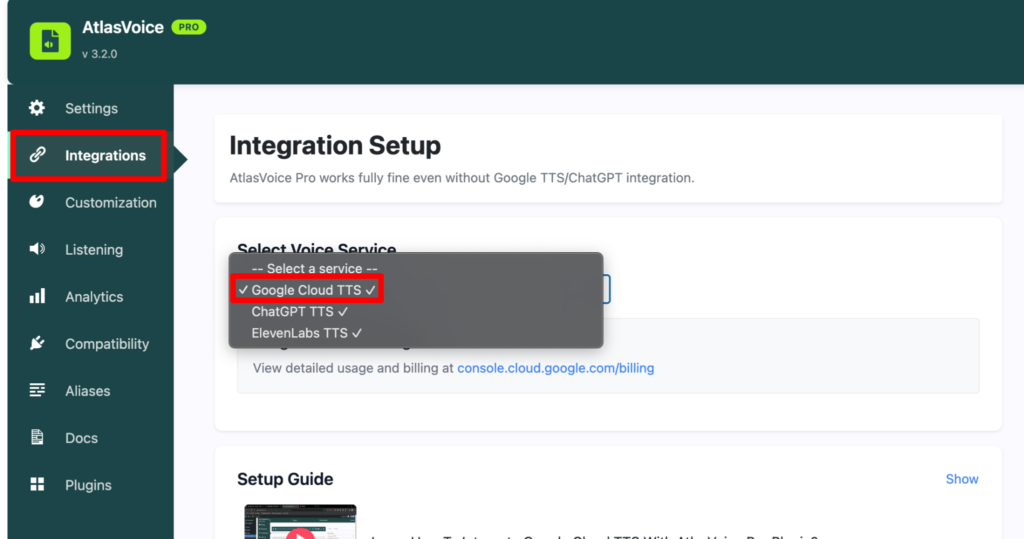
First, go to the “Integrations” tab from the admin dashboard.
Then choose the voice service as “Google Cloud TTS”.
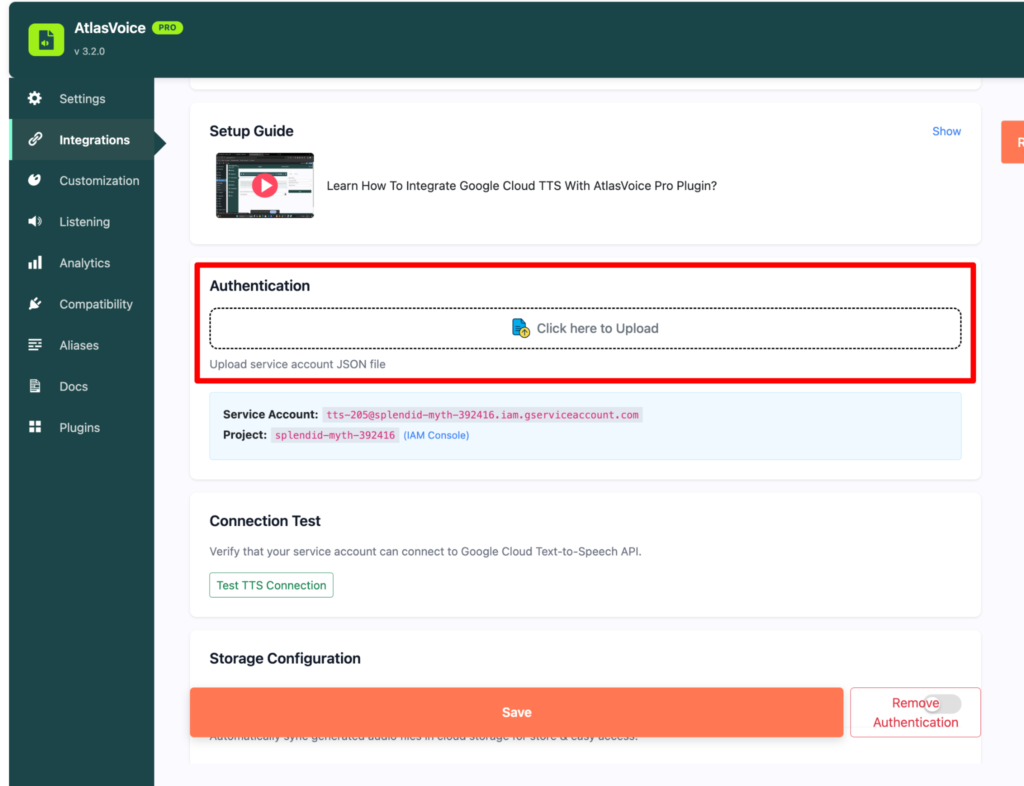
First you have to upload a JSON file for authentication of Google Cloud TTS service. Then press the save button.
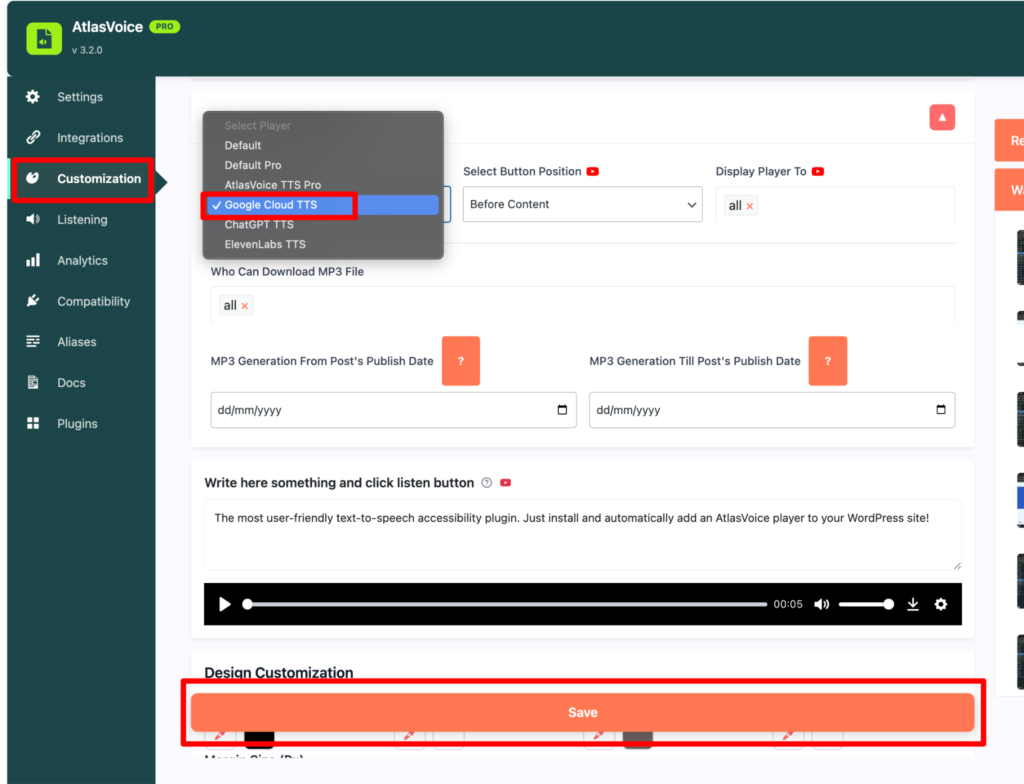
Now come to customization tab and select the player as “Google Cloud TTS” and press the save button.
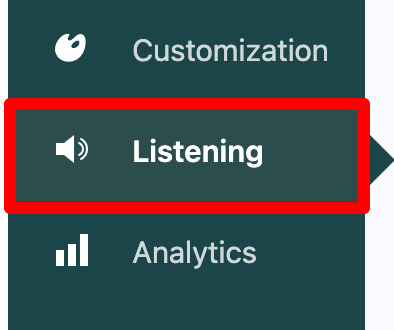
Then go to Listening tab.
Here the listening preferences for the Google Cloud TTS. It includes adjustments like voice language, voice to speak. Here you can adjust your preferred voice languages and set whom you want to speak. Lastly, press the save button.
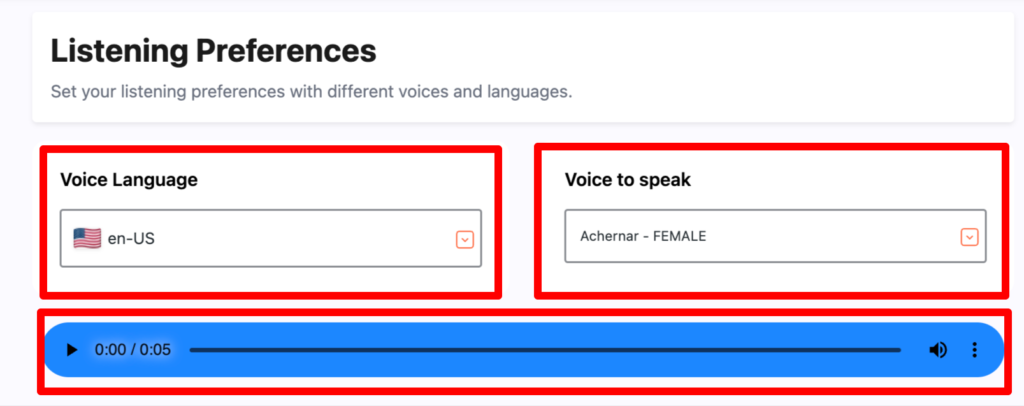
Finally you will see the end result where you can actually adjust your player as Google Cloud TTS format.