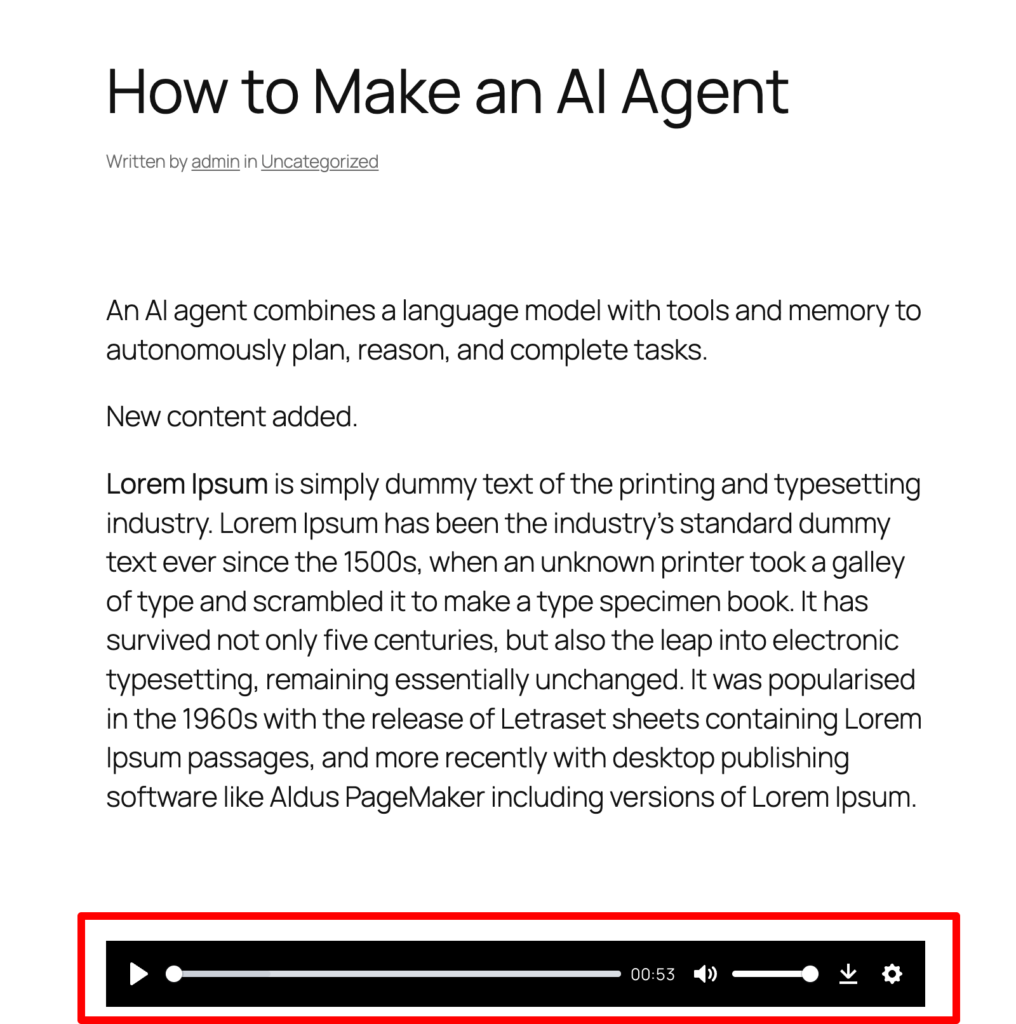
How to add a Play Button to post/page in AtlasVoice plugin?
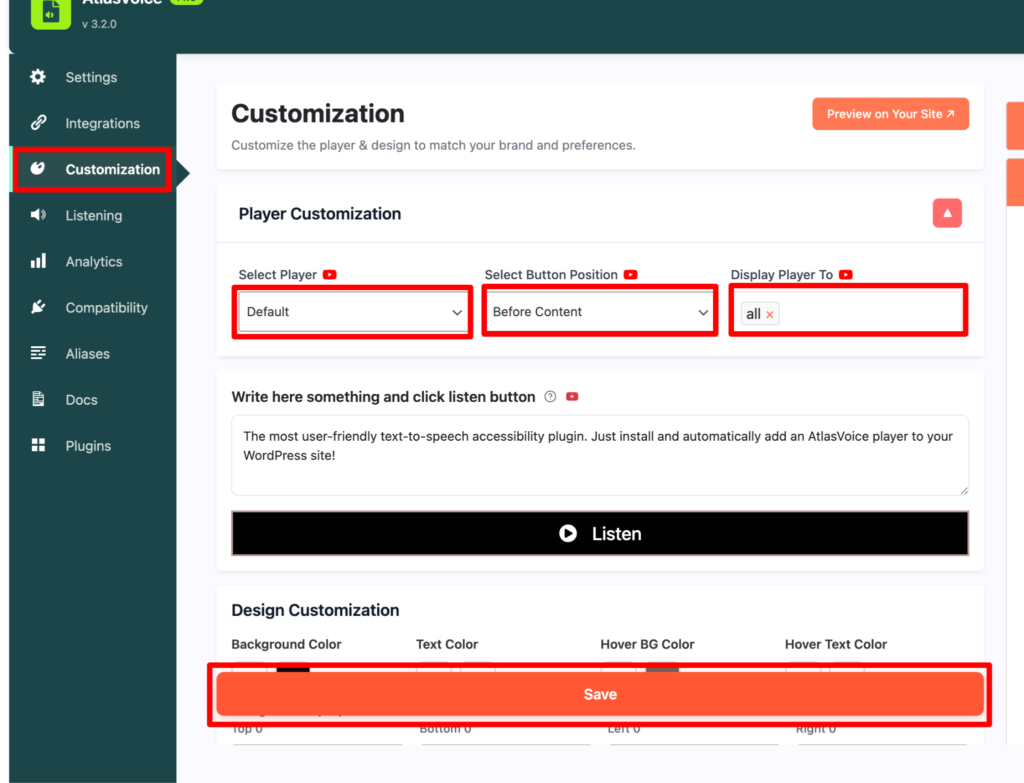
First go to the Customization tab from the admin dashboard.
Select the player “Default”. In “Default” player you can select the button position before content and after content only. Also you can set whom you want to display your player to. Then press the save button.
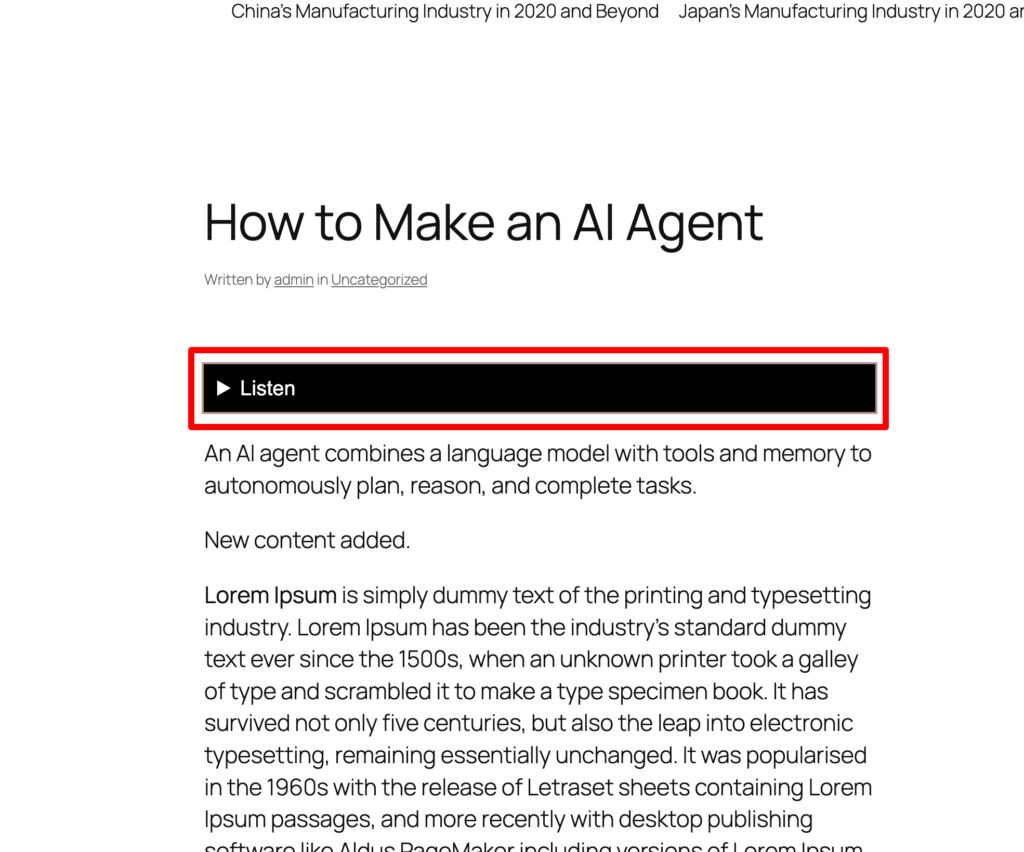
Now on your frontend, you can see the end result that the player button has added.
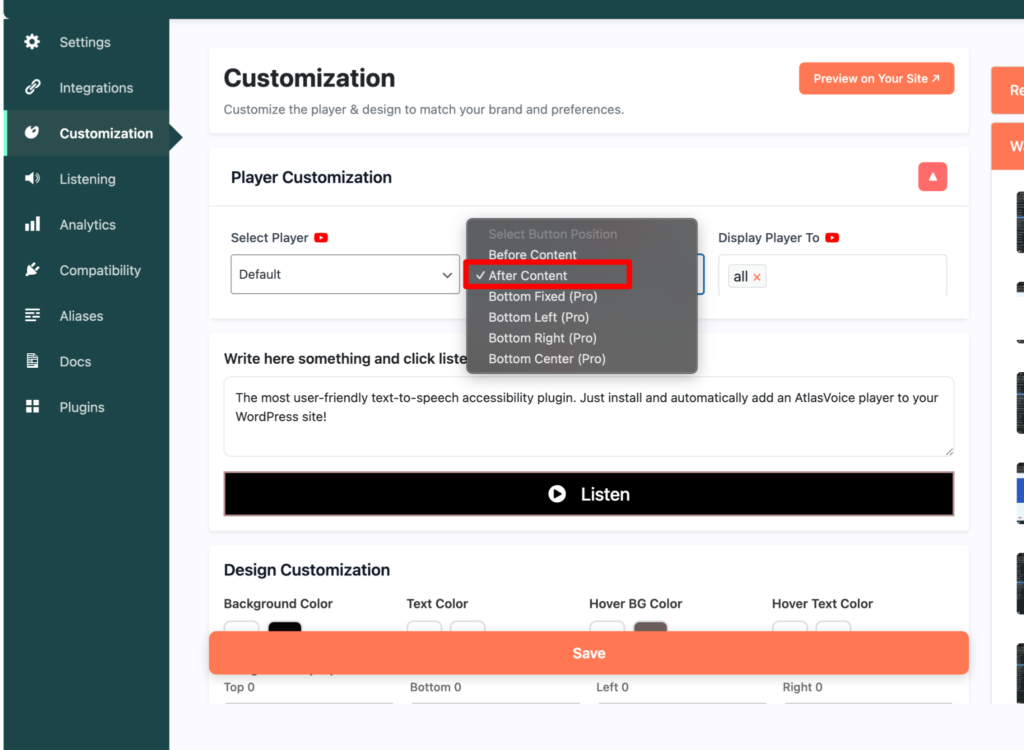
Similarly lets set the player button to after content and save it.
Now on the front end the end result would be like this.
Lets select the player to “Default Pro”. And here you will see the other button position unlocked. These options are only available on the pro version. Press the save button.
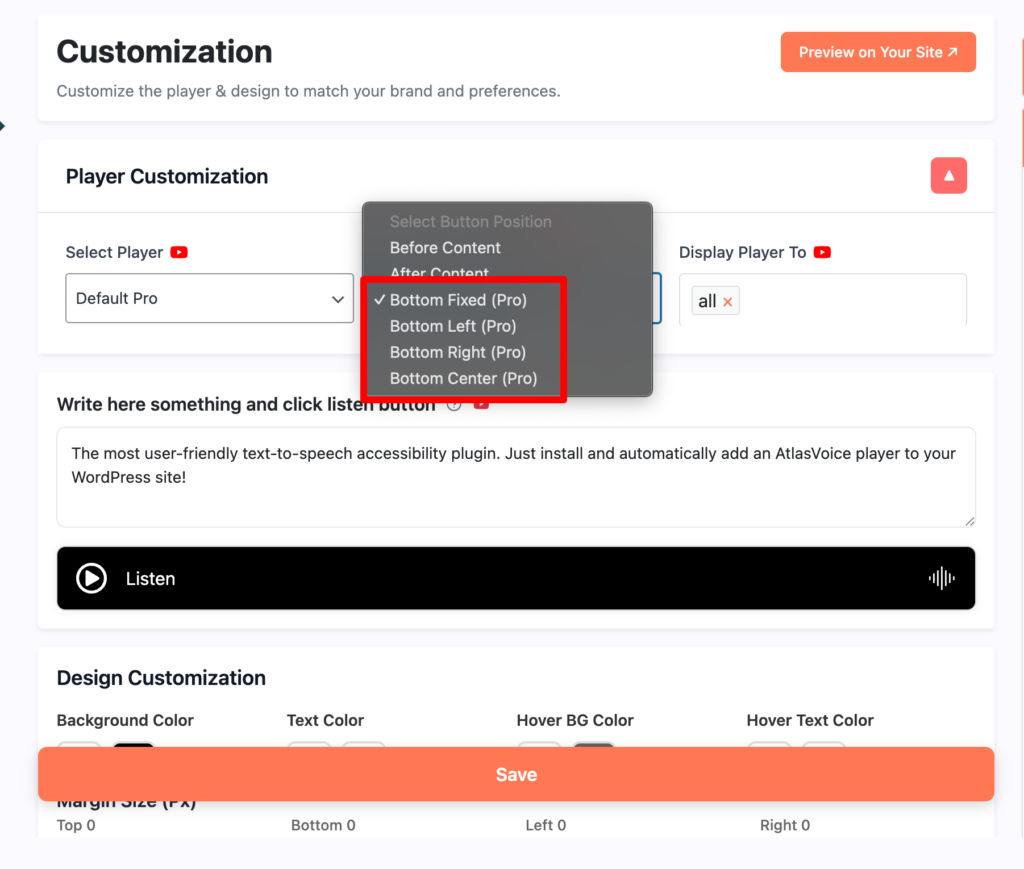
Here is the result after setting up the position to the bottom fixed in pro version. It will always be in a fixed position while floating.
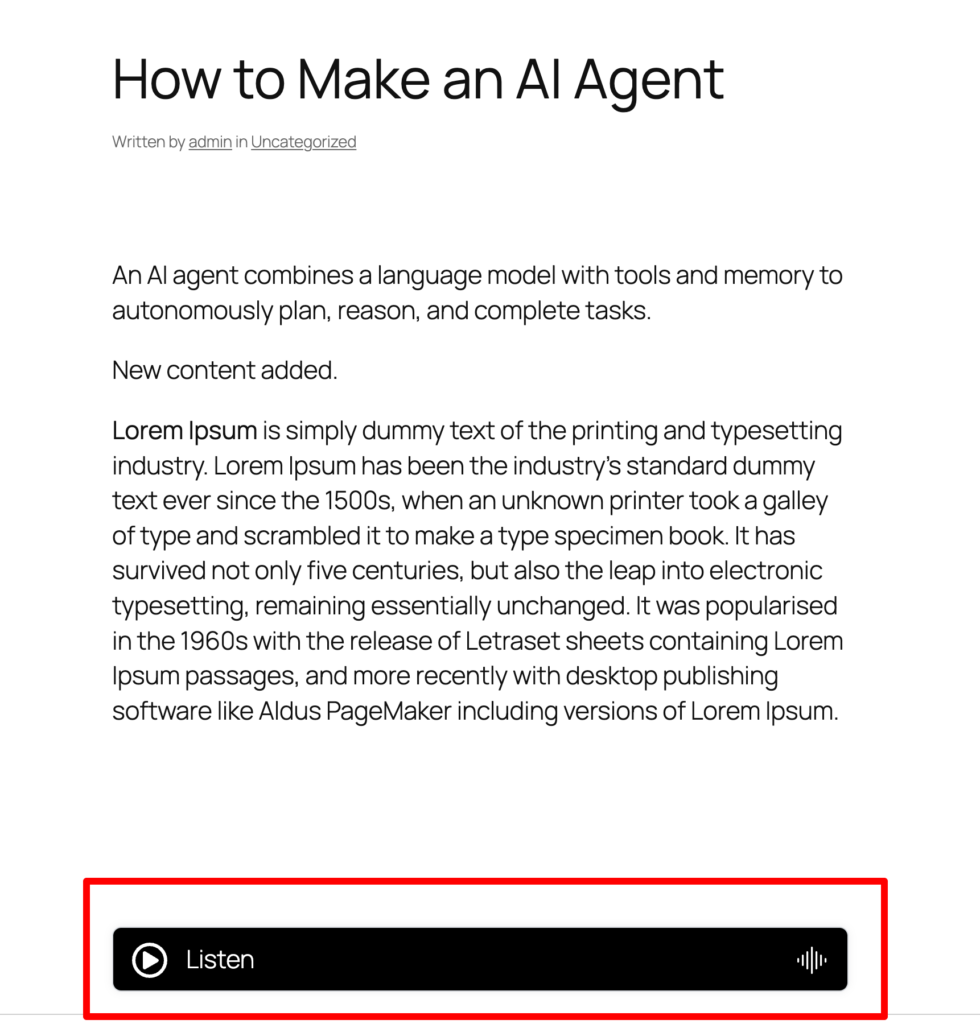
For the players like “AtlasVoice TTS Pro”, “Google Cloud TTS”, “ChatGPT TTS”, “ElevenLabs TTS” you will get to see more options like Who can download the mp3 file, mp3 generation from post’s publish date and mp3 generation till posts publish date. Now press the save button.
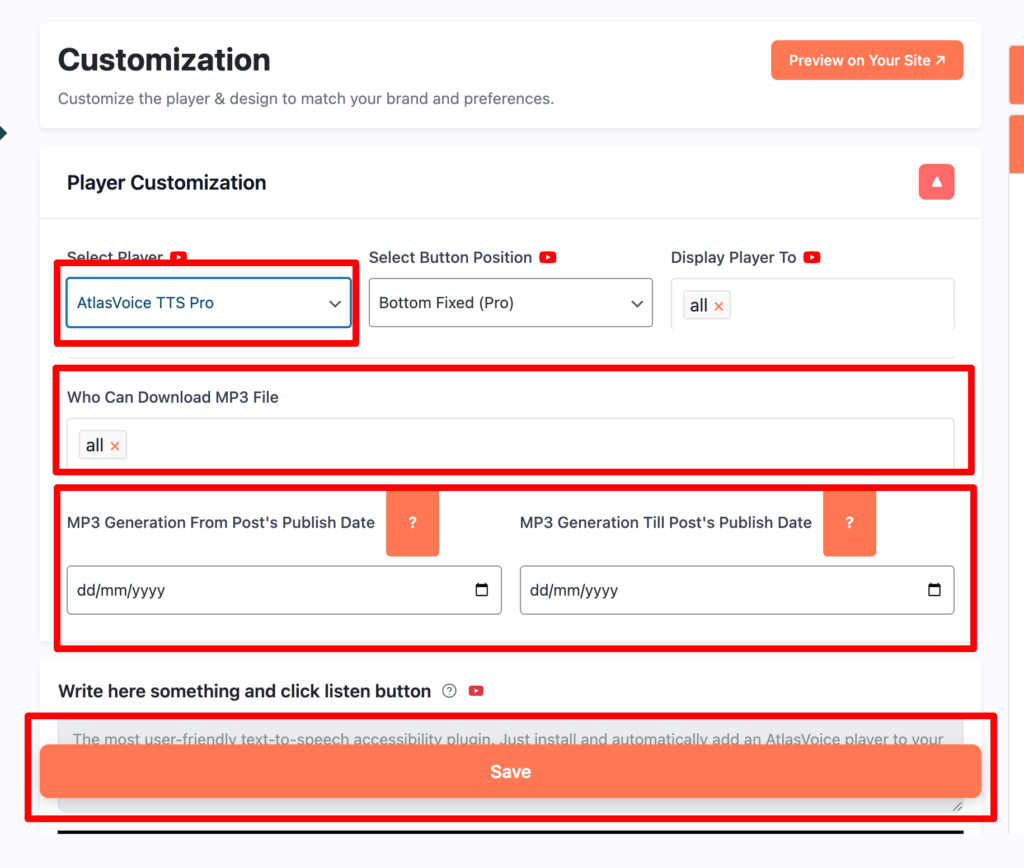
And this is the end result on the front end after setting up the player in the pro version.