How to generate Bulk mp3 file in AtlasVoice pro?
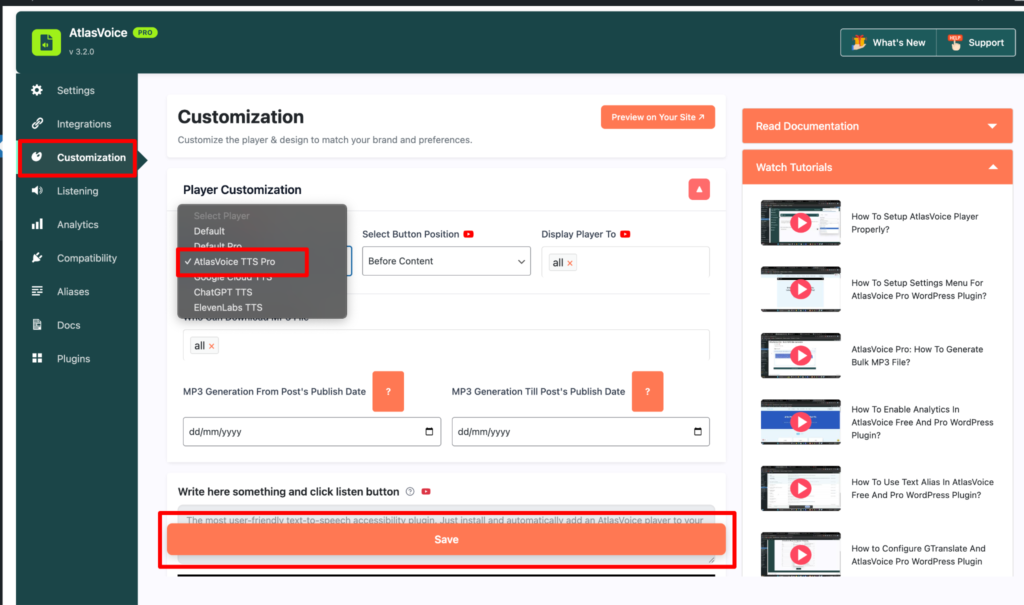
First go to the Customization tab from the admin dashboard. Then select the player to “AtlasVoice TTS Pro” and press the save button.
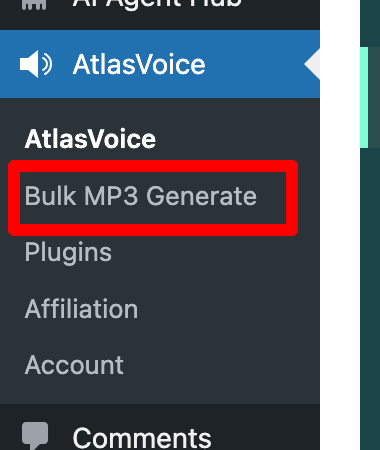
After saving, please refresh the page and you will see an option called “Bulk MP3 Generate” on the dashboard below of the AtlasVoice plugin. Click the “Bulk MP3 Generate” button.
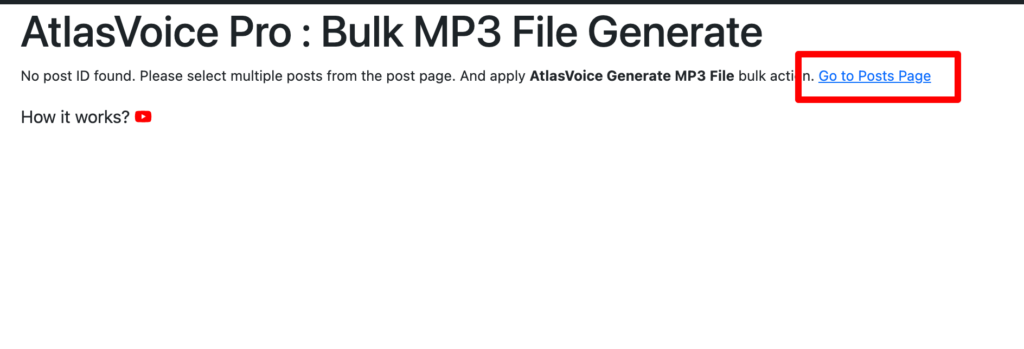
Then you will come to this interface and you have to click the “Go to posts pages” link.
Here in the page choose multiple posts and select the option “AtlasVoice Generate MP3 File” in bulk actions. And hit the “Apply” button.

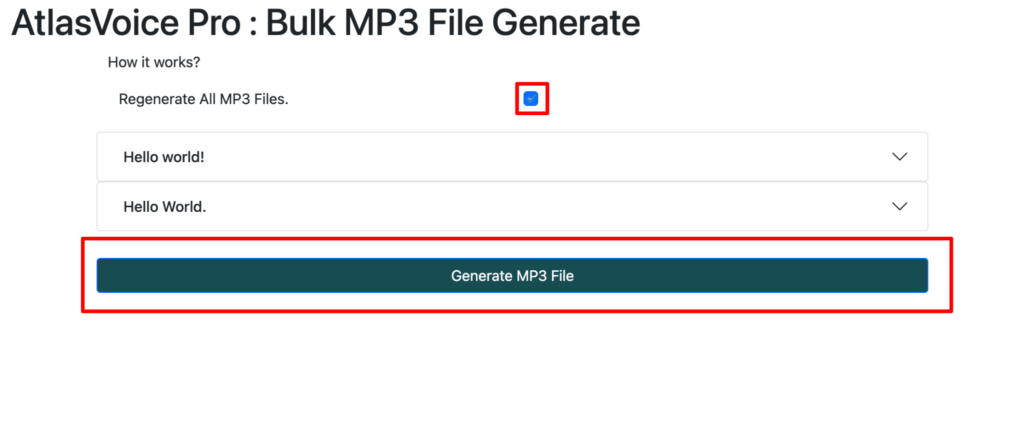
Now here you have to click the checkbox and press the “Generate MP3 File” button to regenerate All MP3 files at once.