How to Continue Reading After Switching To Another Tab in AtlasVoice?
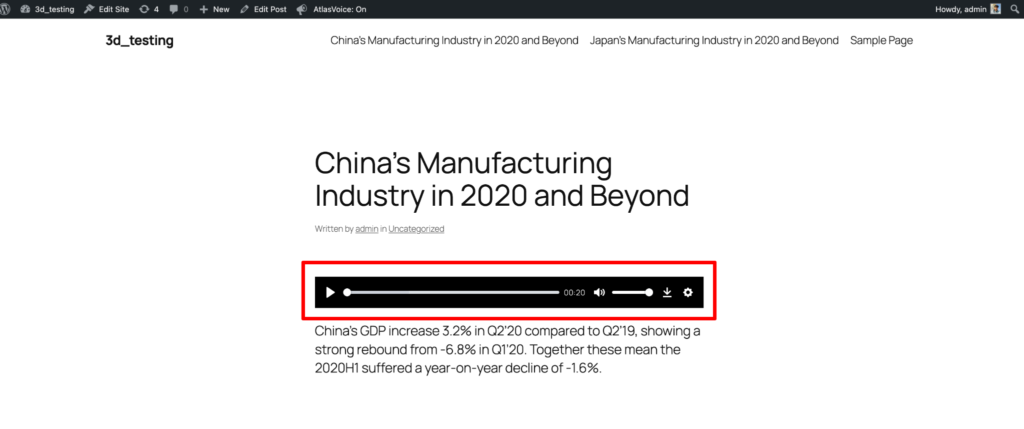
Initially when you set up your player normally it will not be able to read the content from your posts/pages when you switch your browser tabs. It will automatically stop reading the content.

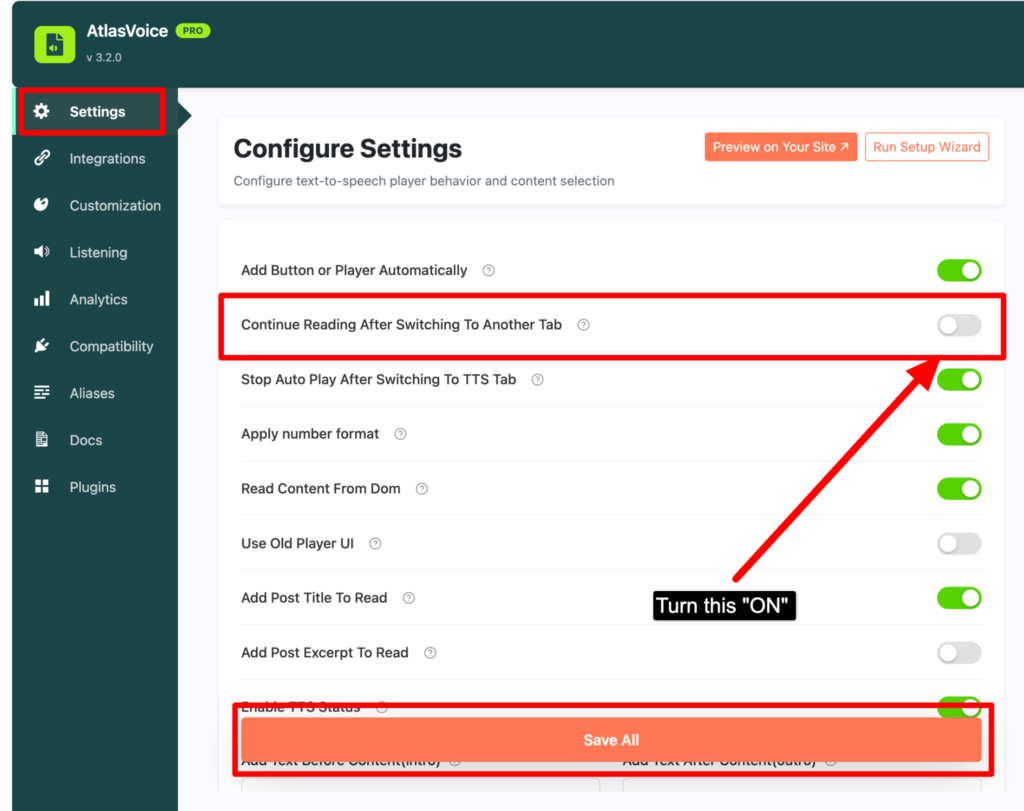
So if you want your player to continue reading even after switching the browser tabs then you have to go to the settings tab from the admin dashboard. Then turn on the “Continue reading after switching to another tab” option and save it.
Lastly you will see the end result on the front end by changing the browser tab while playing the player.