How to Add Post Excerpt To Read in AtlasVoice Plugin?
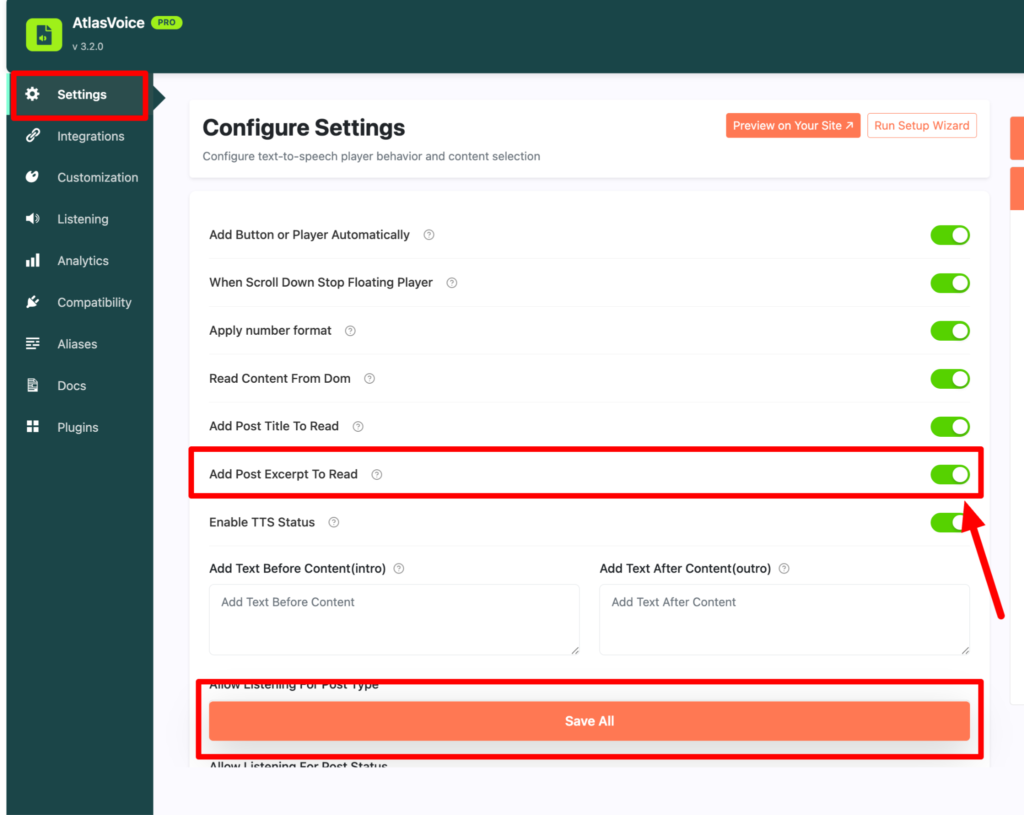
First come to the settings tab from the admin dashboard. Now look for the option called “Add Post Excerpt To Read” and turn this on. And press the save button.
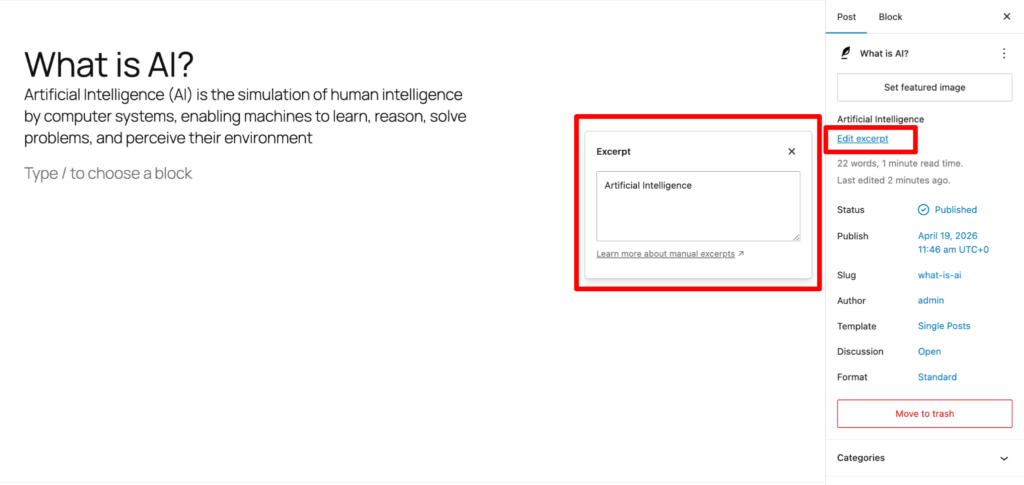
Now on your post/page right sidebar you will see an option called “add to excerpt” on the post block section. Here you can add your excerpt to be read by the player.
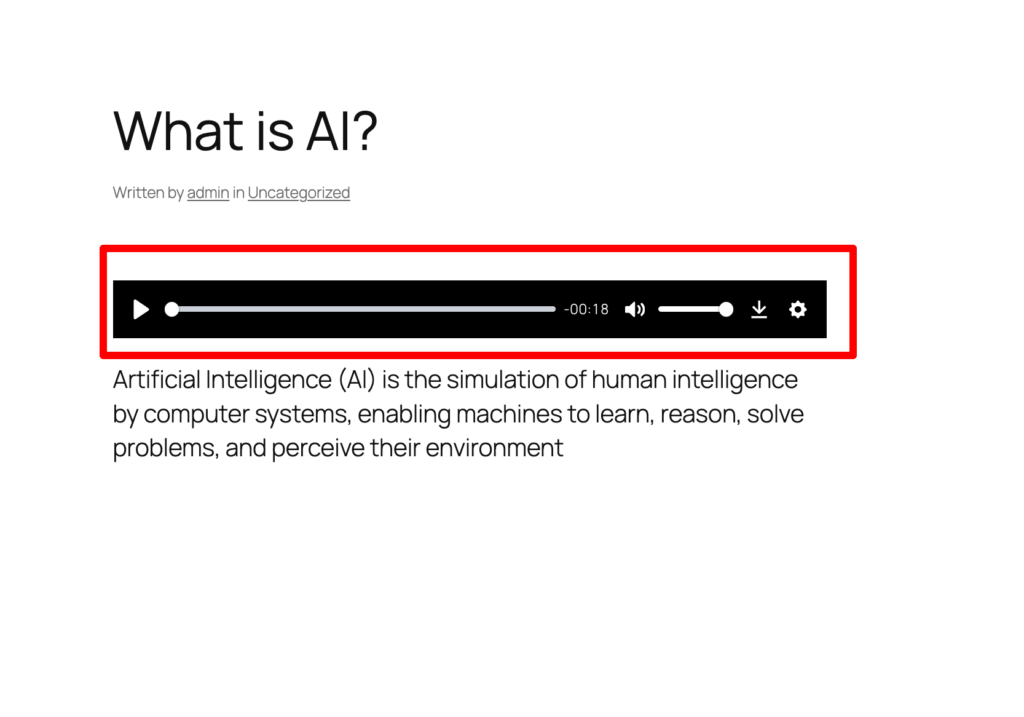
Lastly, on your frontend you will see the player is reading the excerpt after the post title properly.