How to regenerate MP3 files in AtlasVoice Pro?
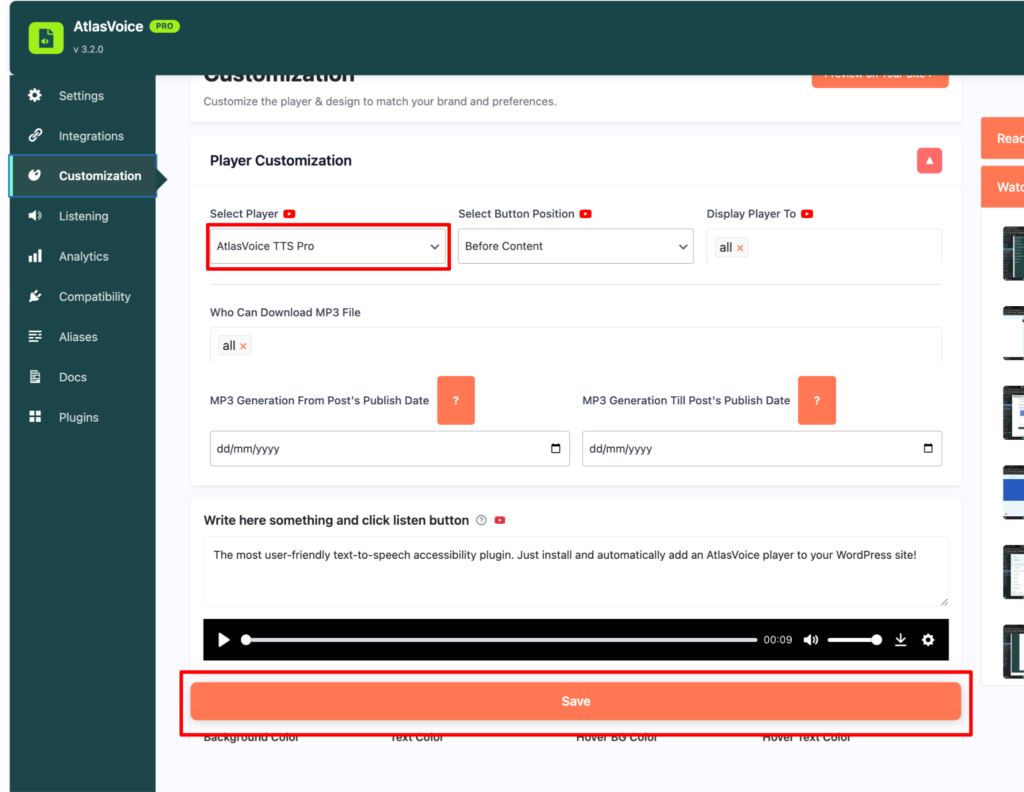
First come to the customization tab from the admin dashboard and select the player “AtlasVoice TTS Pro”.And press the save button.
Remember this a pro version feature, so kindly upgrade the plugin to the pro version.
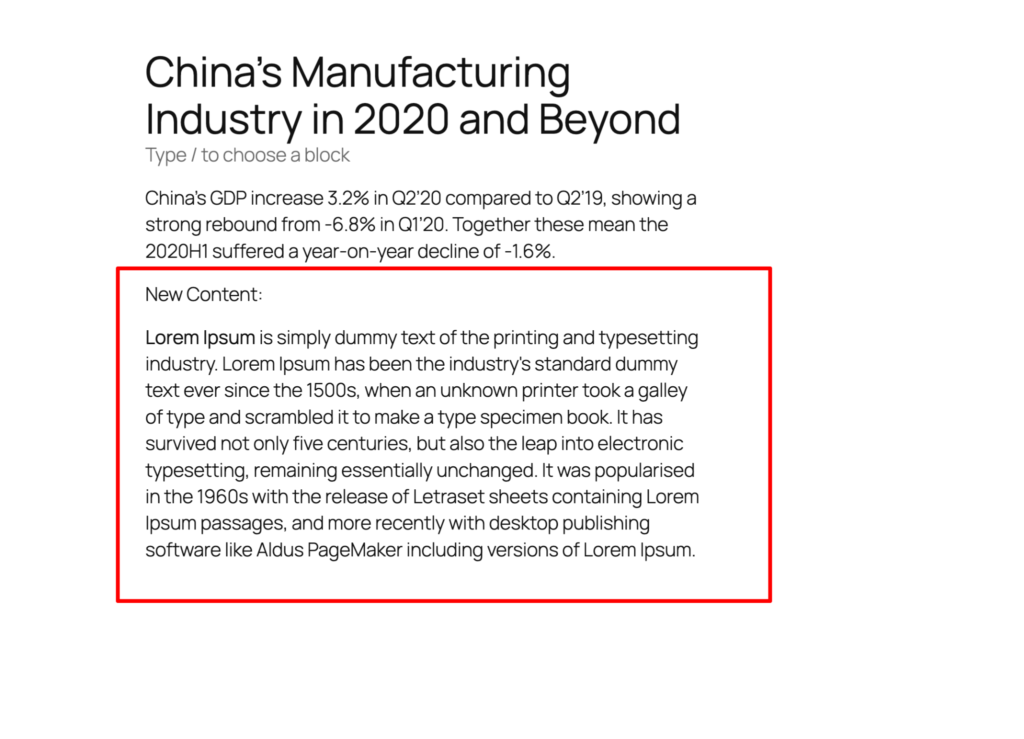
Suppose you want to add some new content to your old content which you want to edit.
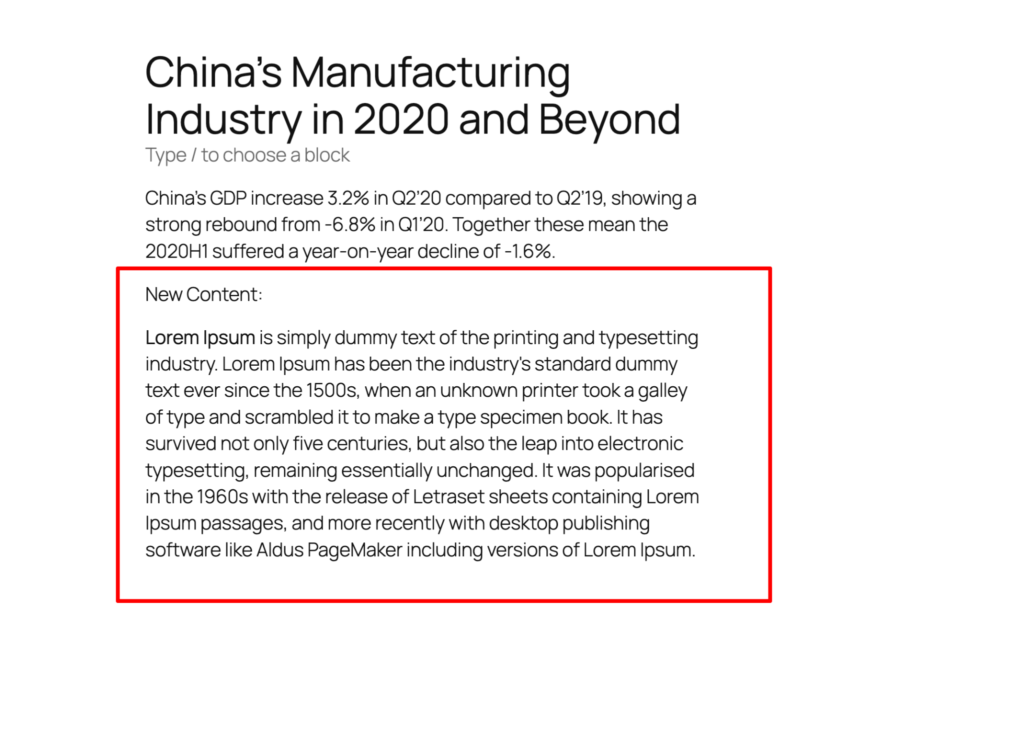
So first go to your post/page. Add some new content.
After adding the new content, scroll down to the metabox. Here you will find the option for regenerating the mp3 file after adding the new content. Click the “Click to generate mp3 file” button.
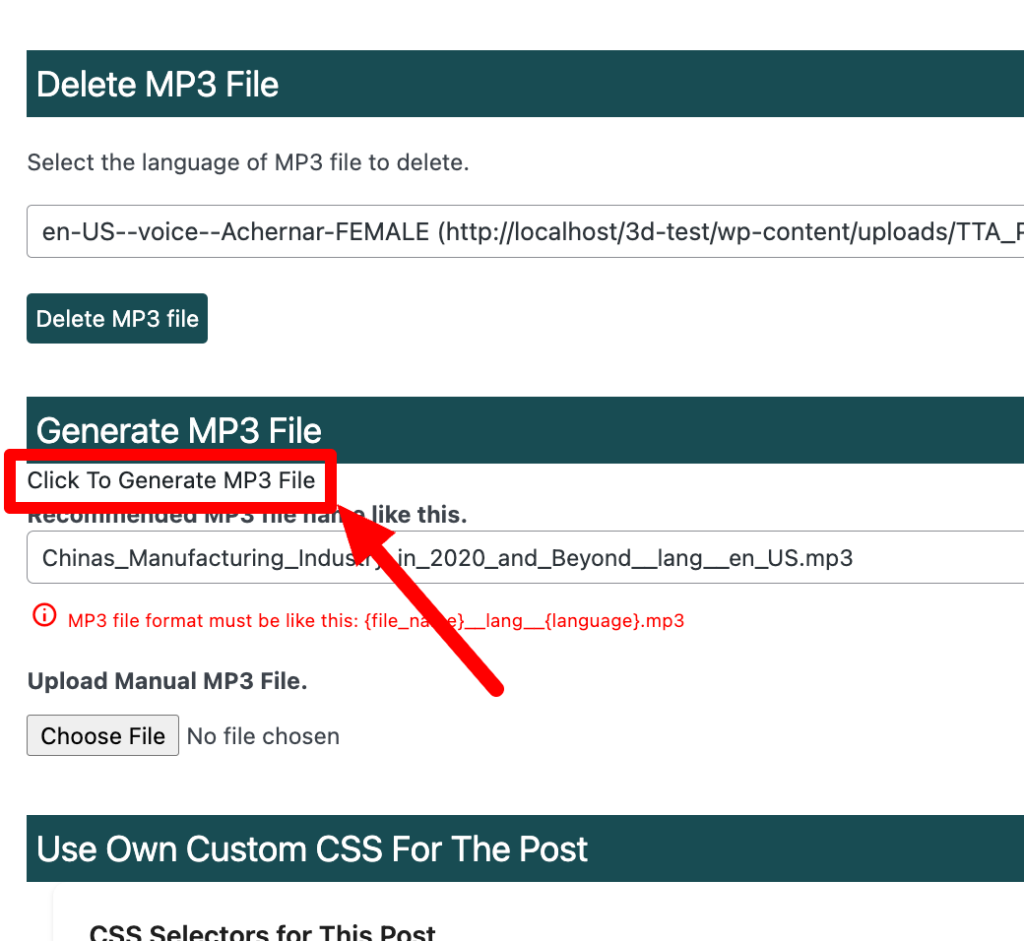
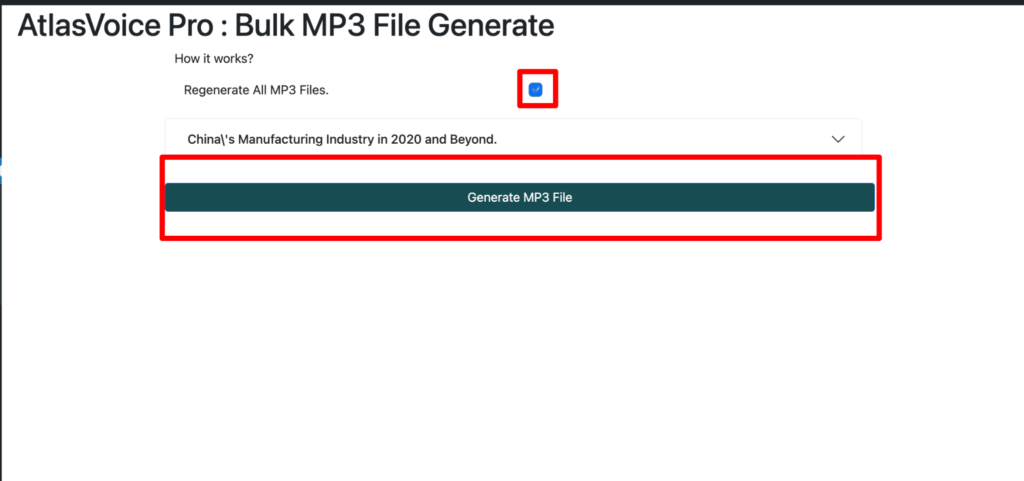
Now you will come to this interface and click the checkbox and press the “Generate MP3 file” button.
Lastly, on your frontend you will see the player is reading the recently added content now properly.