How to use Exclude HTML Tags To Speak & Texts To Speak in AtlasVoice Pro?
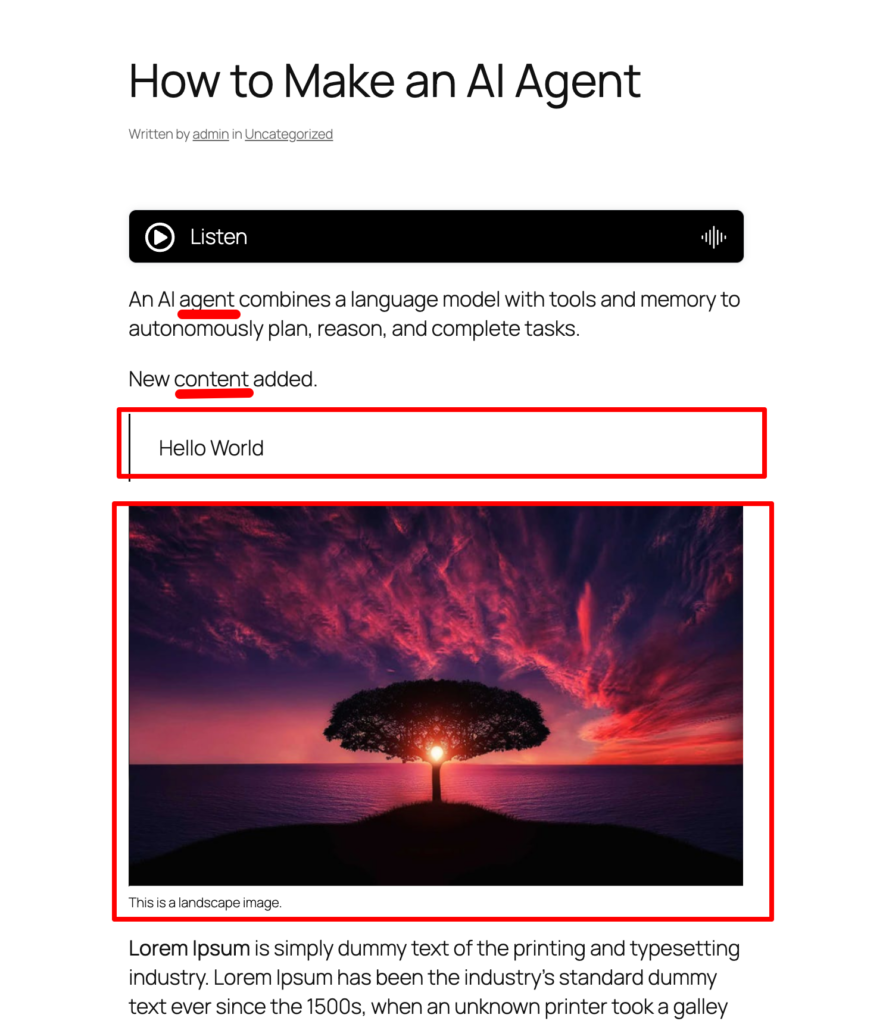
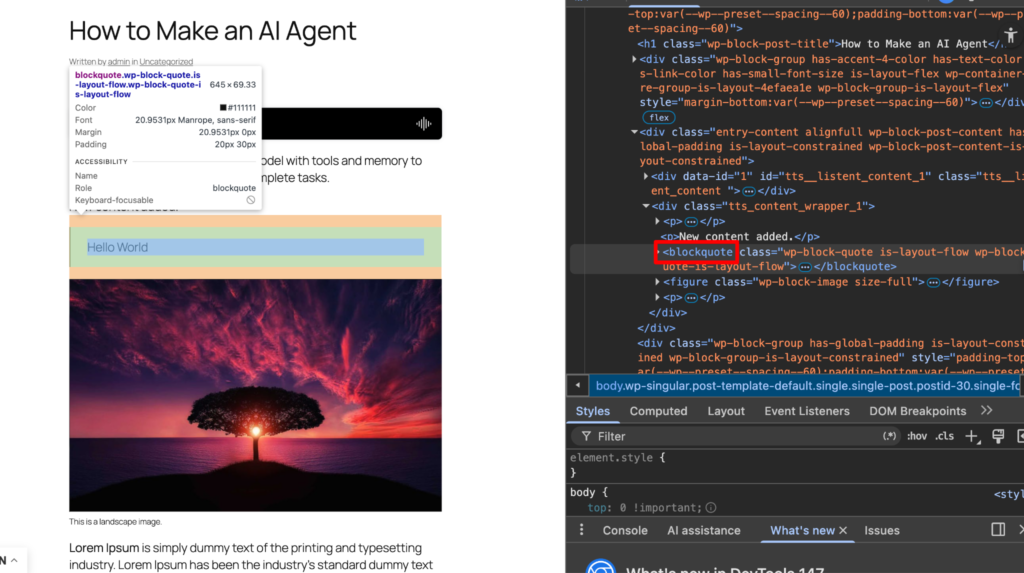
First go to your post/page and inspect the elements. As an example here we want to exclude the blockquote tag to speak of the post. Now copy the blockquote tag.
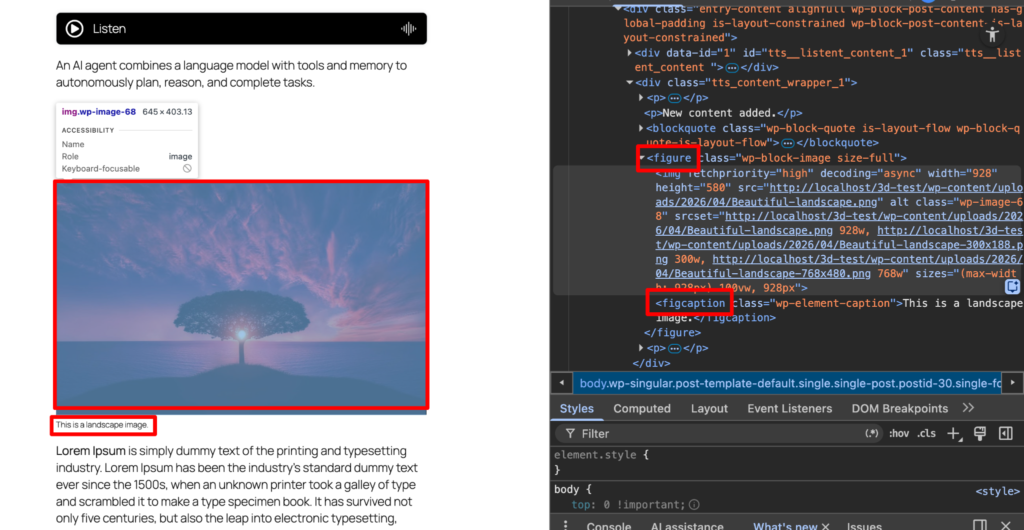
Similarly if you want to exclude more html tags, then inspect the dev tools and select the html tag you want to exclude. Suppose here we want to exclude the figure and its caption. So their html tags are figure and figcaption. Make sure you copy these tags.
Also if you want to exclude any texts from the content to speak, simply copy the the text and go the settings tab.
Come to the settings tab from the admin dashboard and scroll down to the options called Exclude html tags to speak and exclude texts to speak. Here you need to paste those tags and texts you have copied previously. Please remember multiple tags and texts should be pipe(|) separated. Now press the save button.
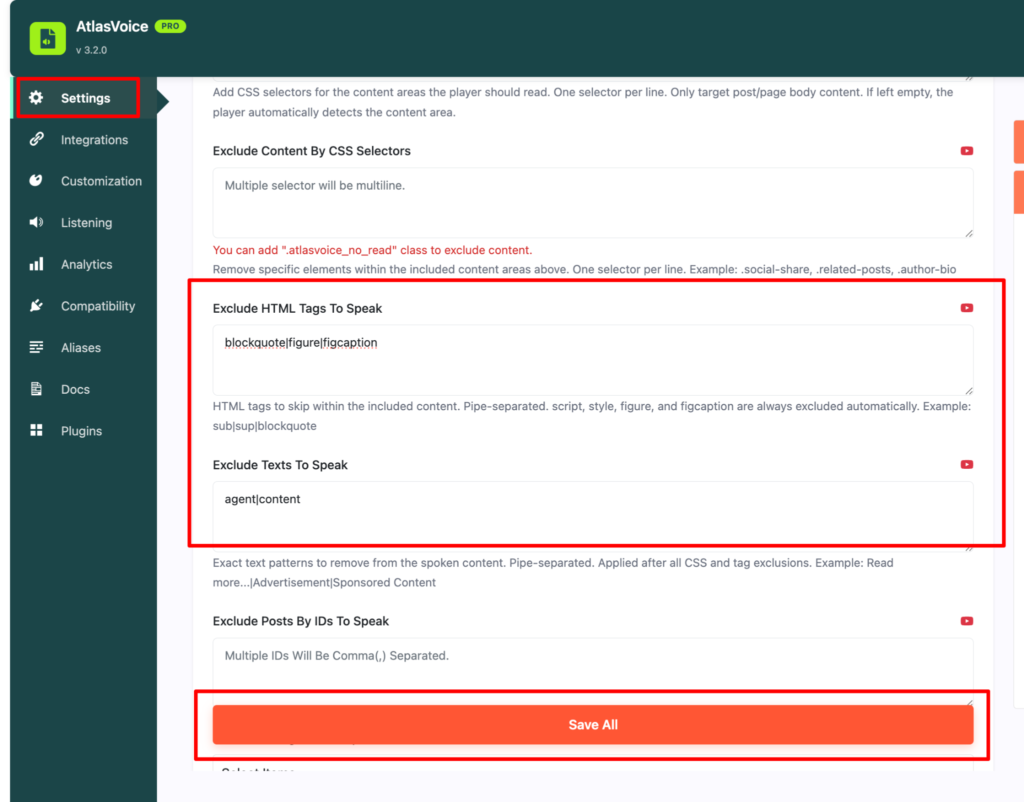
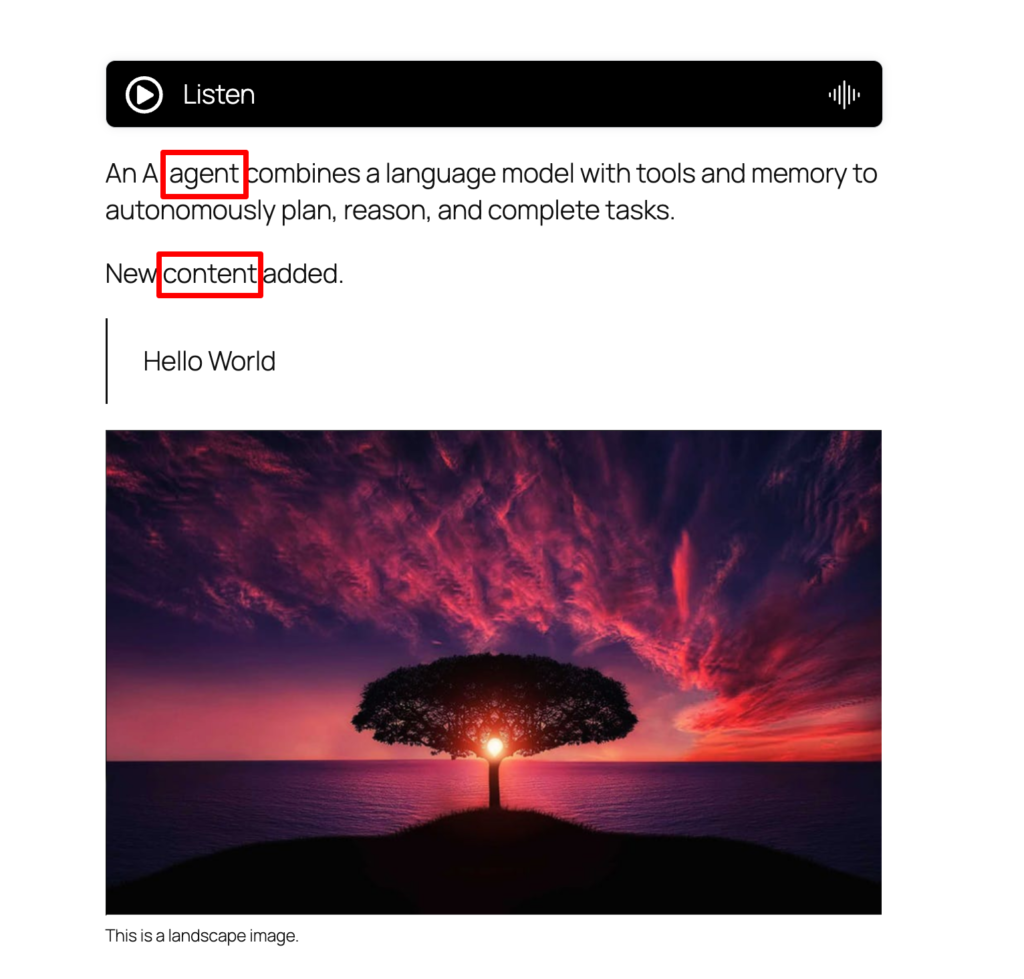
Now on your frontend you will see the end result where the player is excluding the tags and texts to speak.