
How to delete the MP3 Files from the post/pages in AtlasVoice Pro?
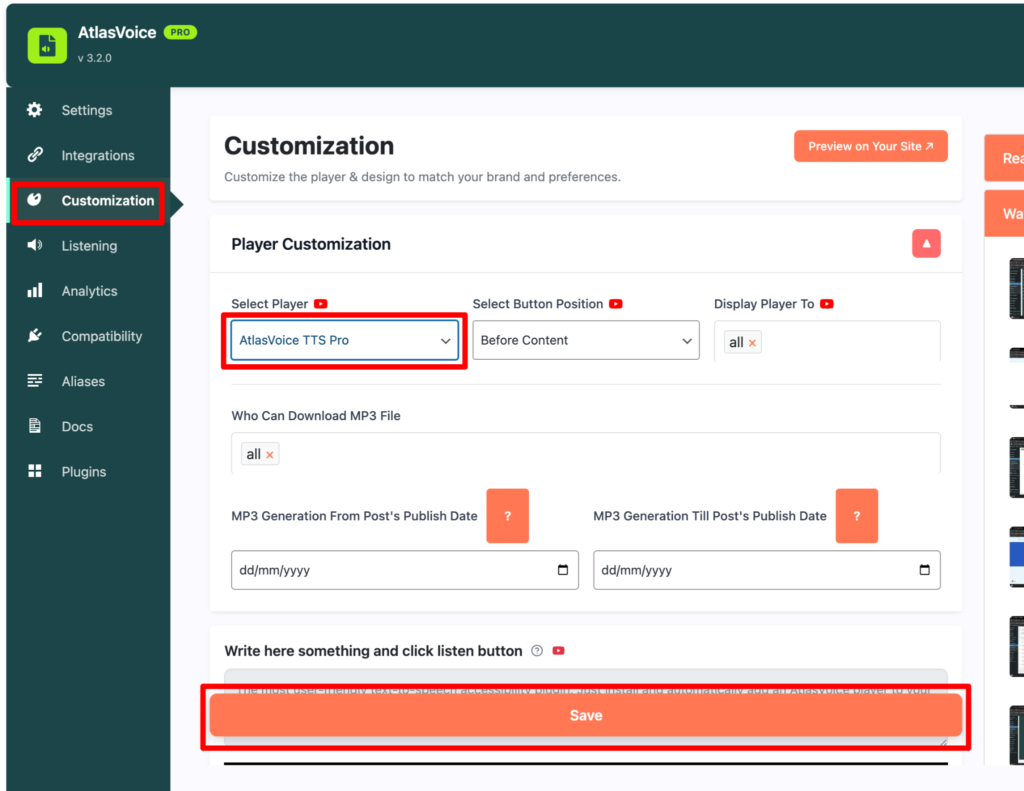
First go to the customization tab and select the “AtlasVoice TTS Pro” player. And press the save button.
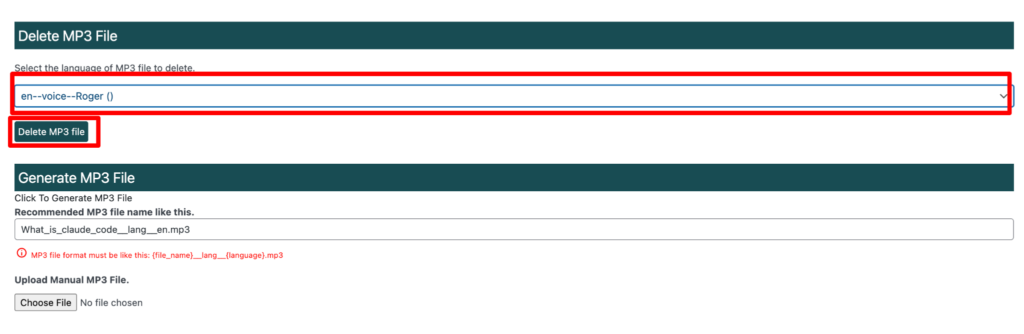
Come to your posts/pages then choose which mp3 file you want to delete. Select one and press the Delete MP3 file button.
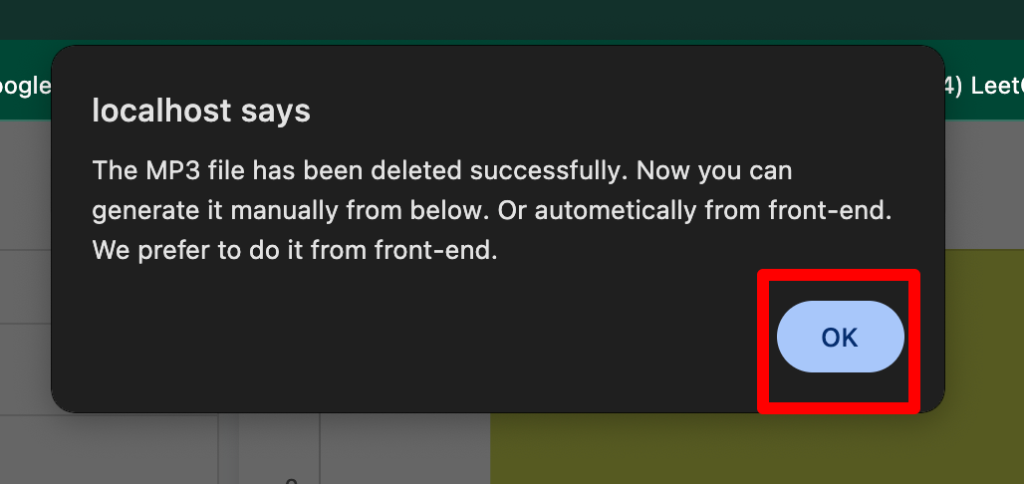
After pressing the delete button you will the alert pop up to confirm the deletion and make sure you press the ok button.
Finally, on your front end posts/pages the mp3 file you have deleted will no longer be there.