
How to implement Exclude Posts By IDs To Speak?
First select which post you don’t want to have a player on it.
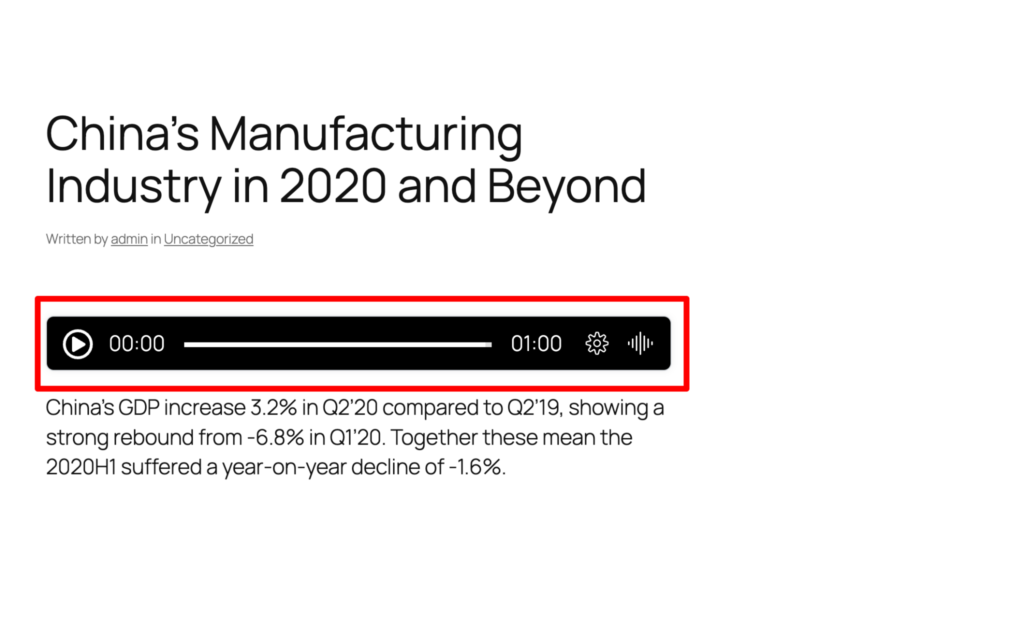
Suppose, we don’t want to include this player in our post.
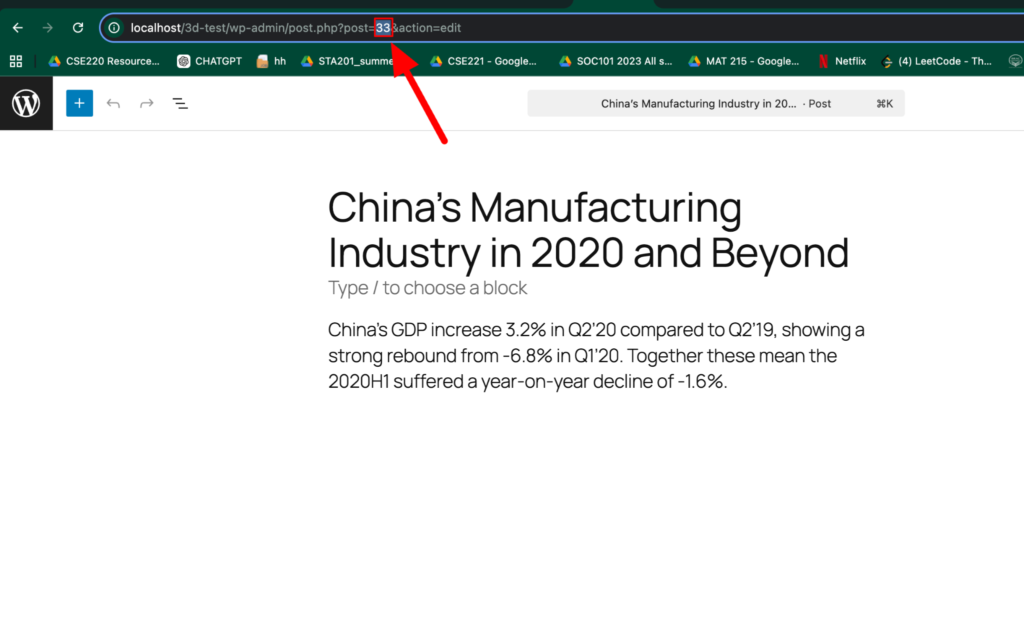
Then go to edit post and search for the post id on your URL. And copy the post id.
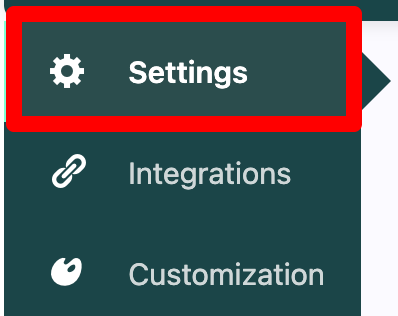
Now come back to the settings tab and search for “Exclude Posts By IDs To Speak” option
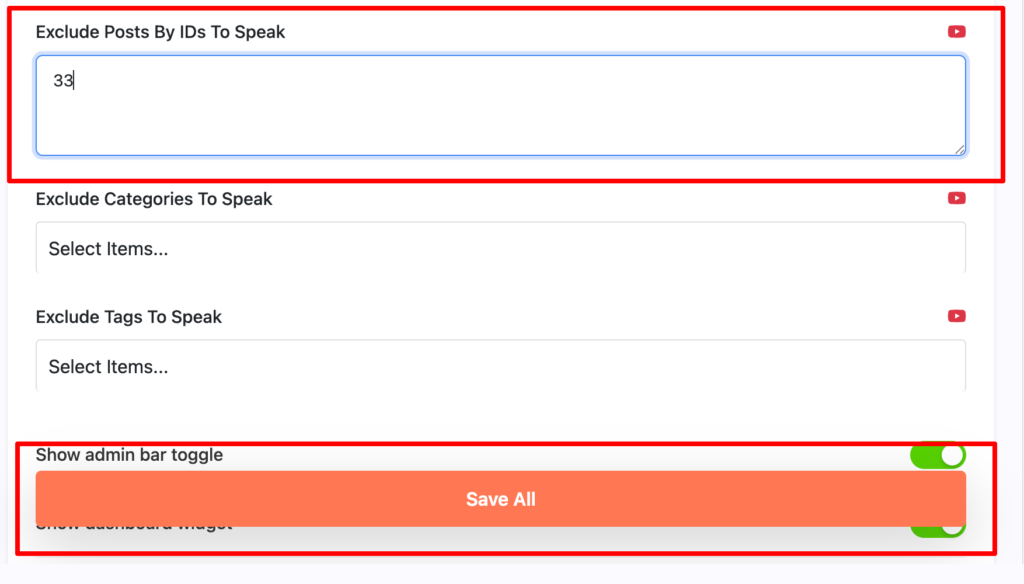
Please make sure you copy the post id and paste the id in this input field. Then press the “Save All” button.
Finally you will see there is no player to speak because it was excluded by its ID.

NOTE: If you want to exclude multiple players by its ID, then you have to put them in a comma separated. Also remember you can only add 5 post IDs in the free version but if you want to add more than 5 then you have to upgrade to pro version.
