How to implement the number format in AtlasVoice?
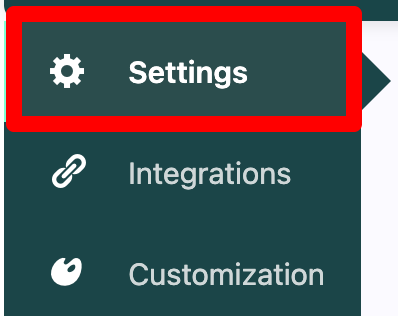
First, go to the settings tab from the admin dashboard.
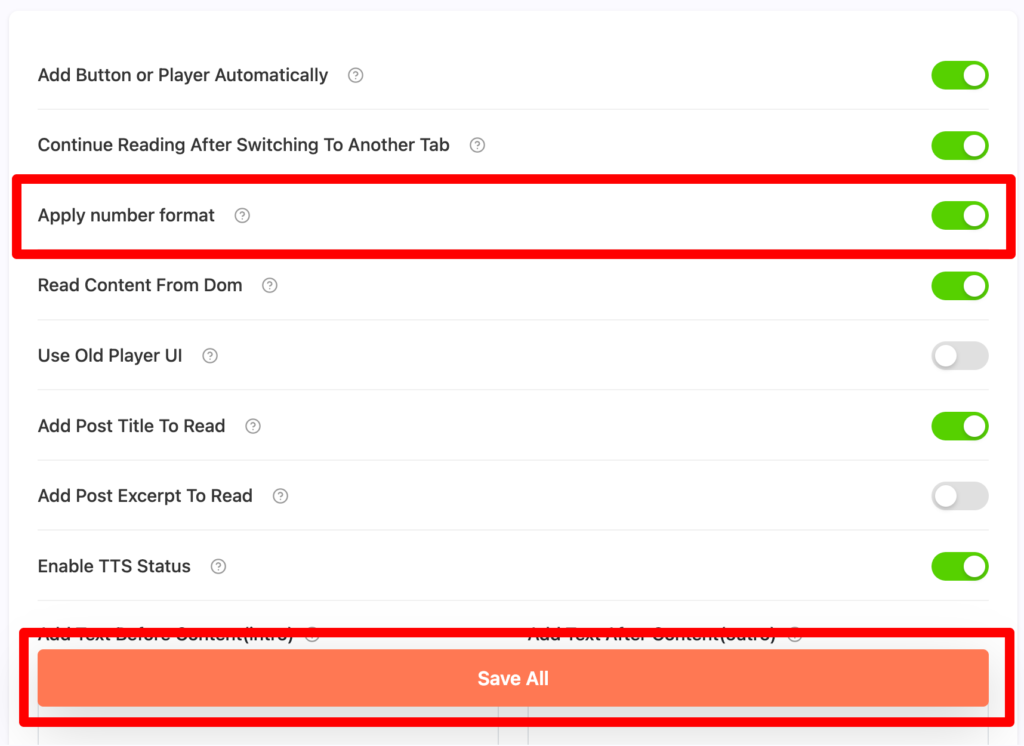
Then turn on the “Apply number format” option. And press the “Save All” button.
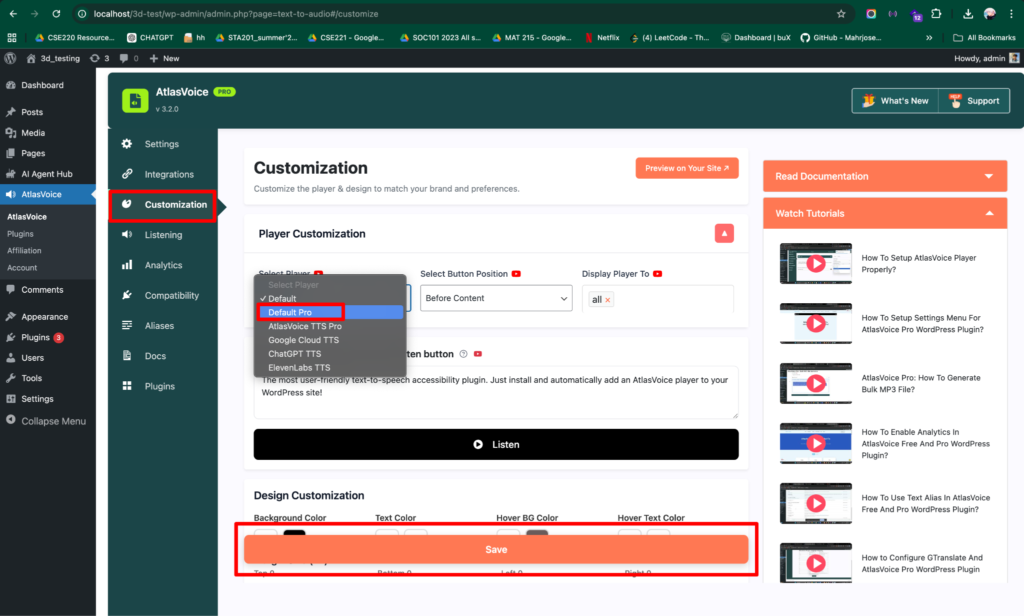
Then, go to the customization tab.
Here you have to select the player to “Default Pro”. Lastly, press the Save button.
Now on the front end you will see its reading the numbers properly.