How to set-up AltGenius in Smart Local AI plugin?
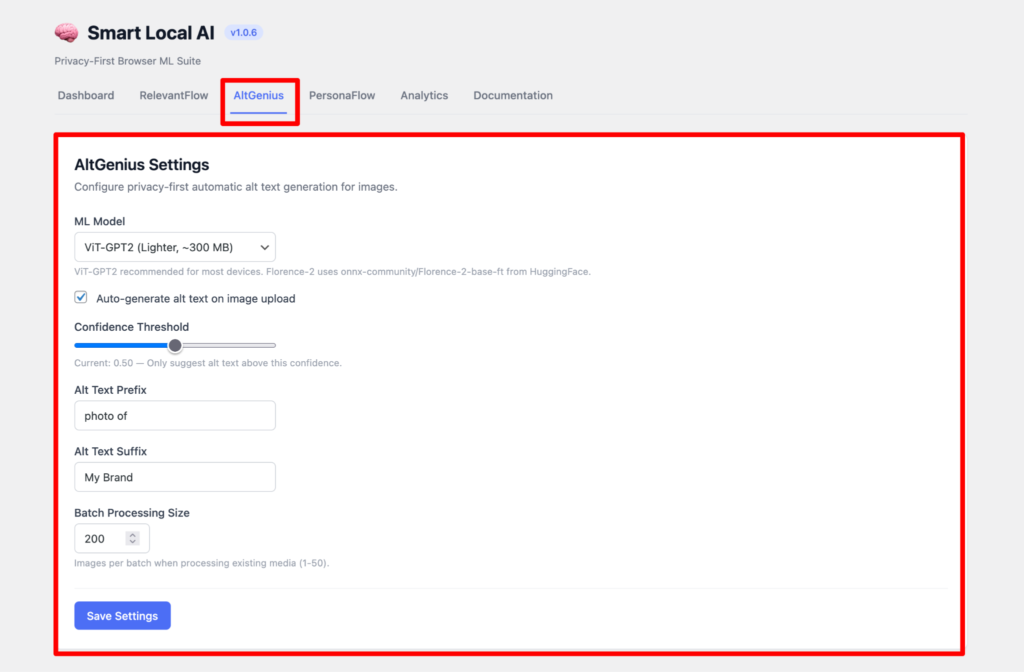
First come to the Smart Local AI dashboard and select the AtlGenius tab. Here you can set the ML model or leave it as it is as recommended settings.Turn on the checkbox for auto generation for alt text after uploading an image. Slide the level of confidence threshold to suggest the alt text with its level of confidence. You can also add the Alt text Prefix and Alt text Suffix as your wish. Lastly set the batch processing size and press the save settings button.
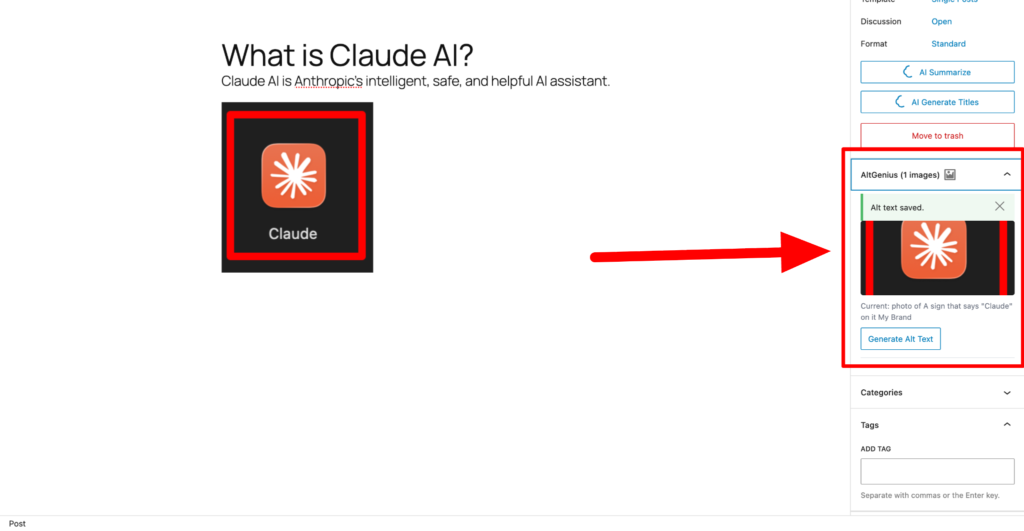
Now come to a post where you want to generate the auto alt text for any image you want to upload. On the right sidebar panel you can see an option named “AltGenius”. Here you have to press the Generate Alt Text button to generate the auto alt text according to your image. If you don’t like the alt text you can always edit it later.