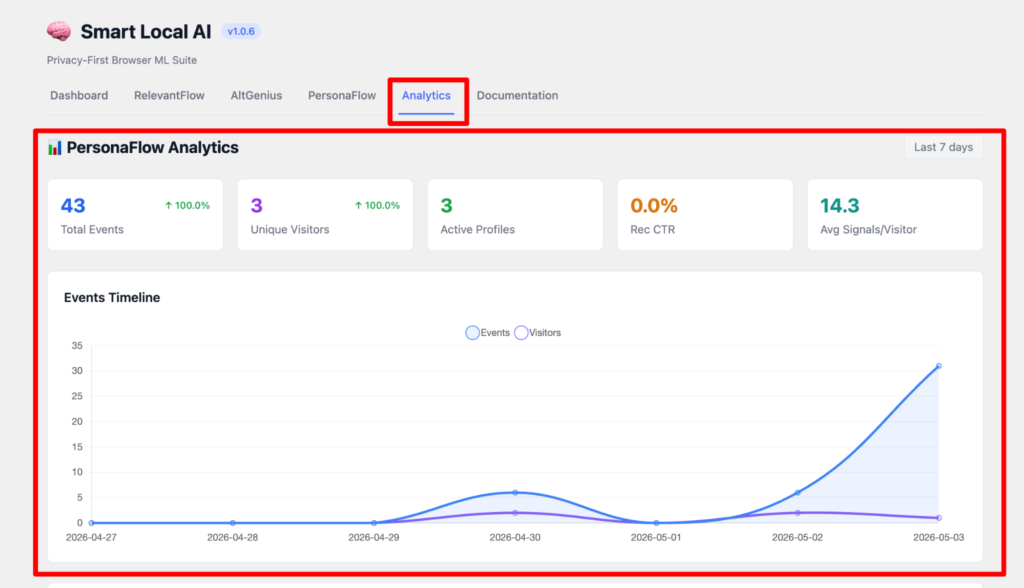
How to use Analytics in Smart Local AI plugin?
First come to the Smart Local AI dashboard, here you have to select the Analytics tab, Here you can see over Analytics of PersonaFlow where you can see the total events, unique visitors, active profiles, CTR, average signals. Also you can see the events timeline graph as events or visitors wise.
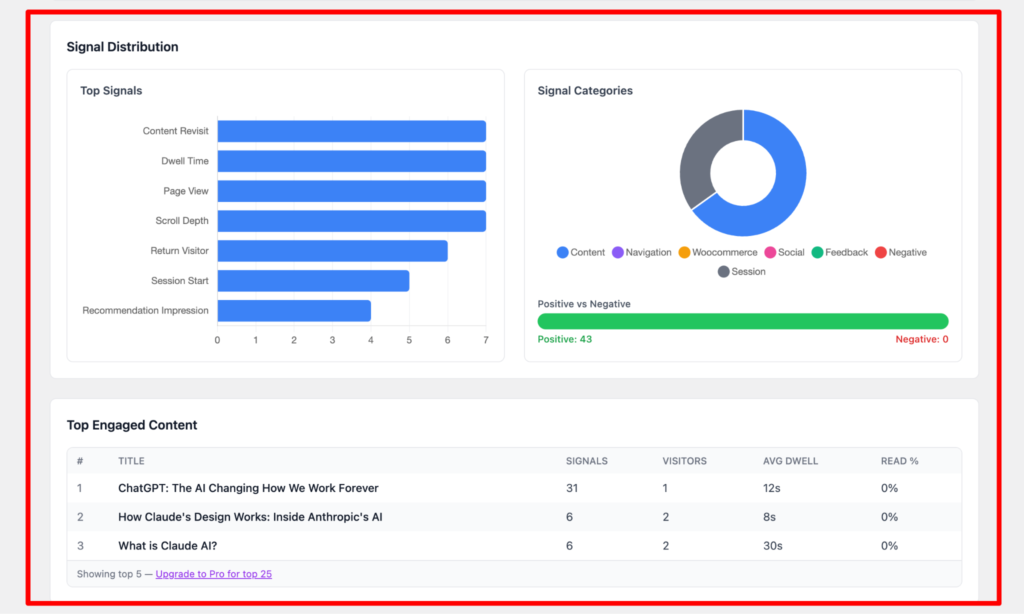
You can see the Signal Distribution where you can see the Top Signals, Signal Categories and Top Engaged Content.
For further analytics feature you have to upgrade to the pro version.