
How to set-up PersonaFlow in Smart Local AI plugin?
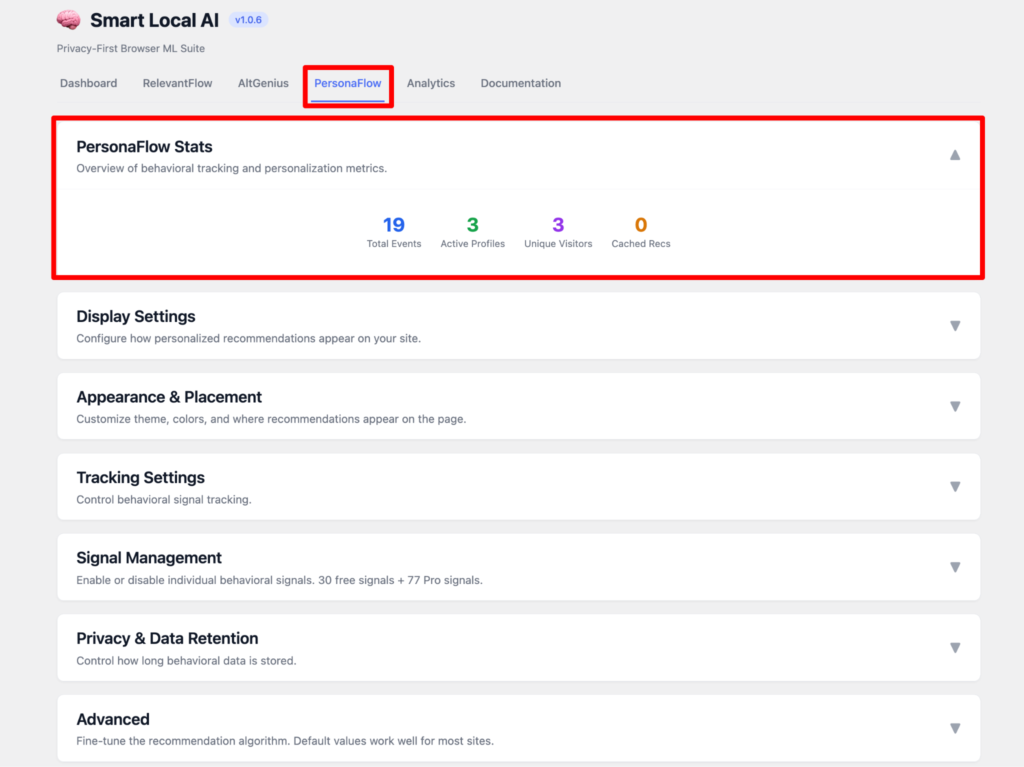
First come to the Smart Local AI dashboard and select the PersonaFlow tab.
Here you can see the stats of PersonaFlow where you can see the overview of behavioral tracking and personalization metrics.
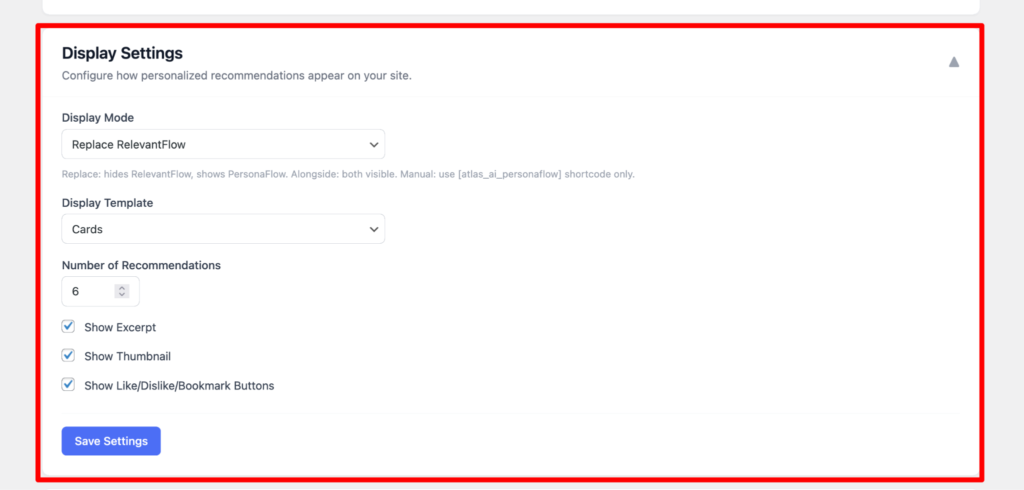
Now on display settings you can set the display mode where you can replace the RelevantFlow and show the PersonaFlow. Here you can also set the display template as cards. Also set up the number of recommendations and add the excerpt, show thumbnail, show like/dislike/bookmarks.
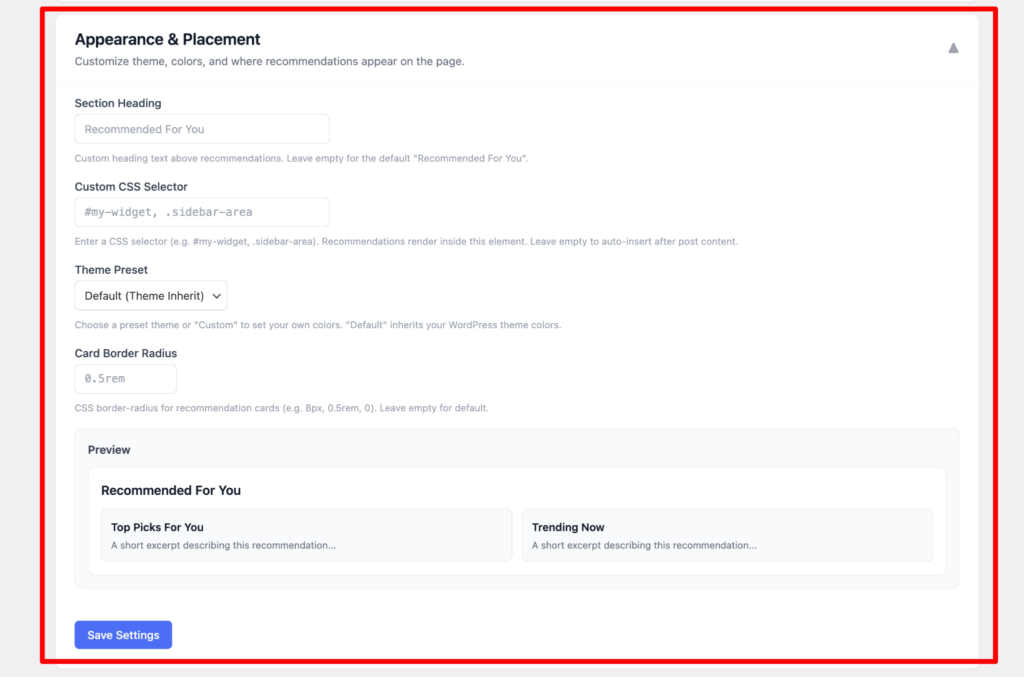
In Appearance and placement settings, you can add the section heading, custom css selector, theme preset, card border radius and can also see the Preview.
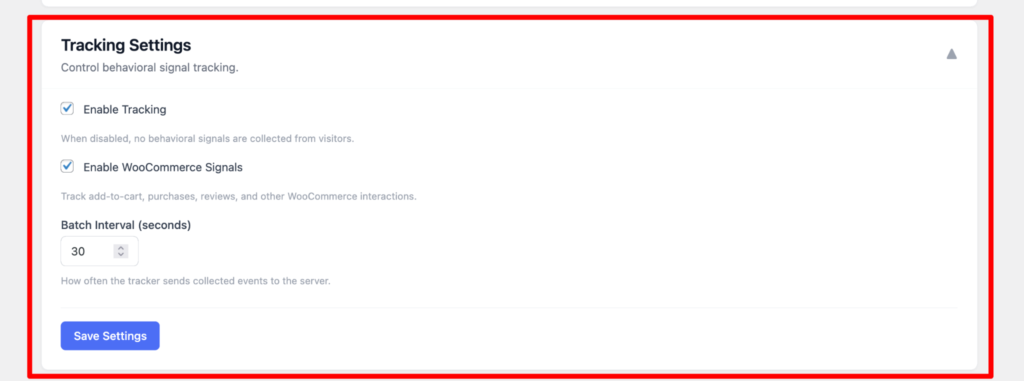
In tracking settings, you can enable the tracking, enable woocommerce signals, Batch intervals.
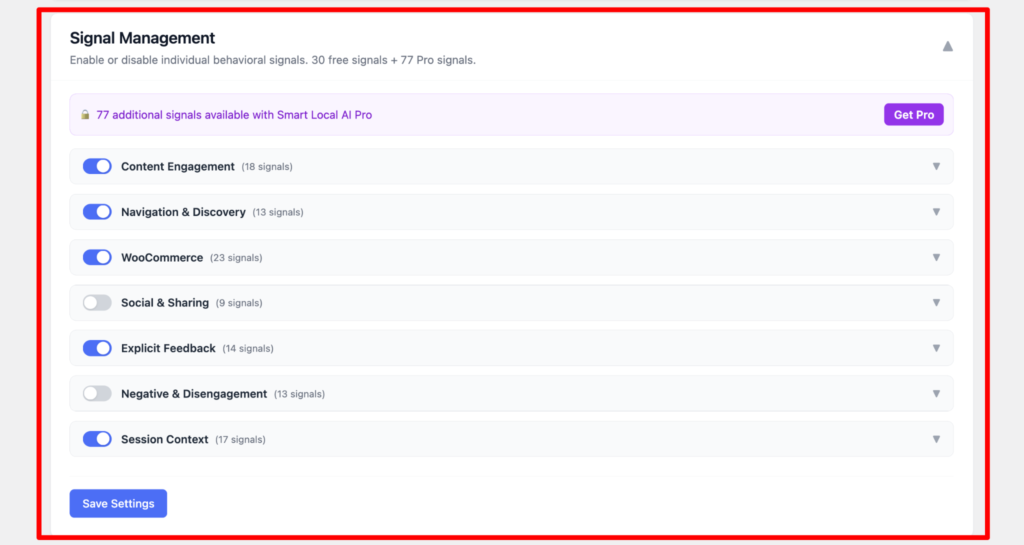
Here you can do the signal management such as Content Engagement, navigation and discovery, woocommerce, social and sharing, explicit feedback, session context. You will get 77 additional signals more in pro version Smart Local AI pro.
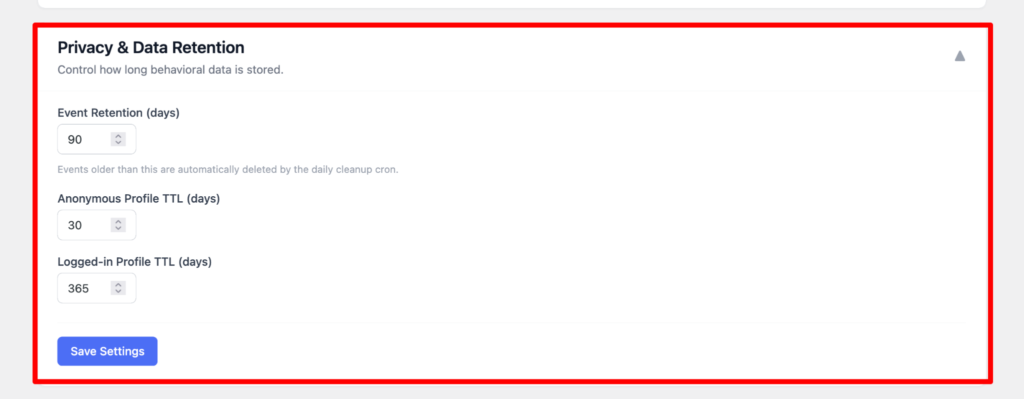
In privacy and data retention settings, you can see the event retention days wise but older than 90 days will be automatically deleted. You can also set the anonymous profile TTL days wise. Also logged in profile TTL days wise.
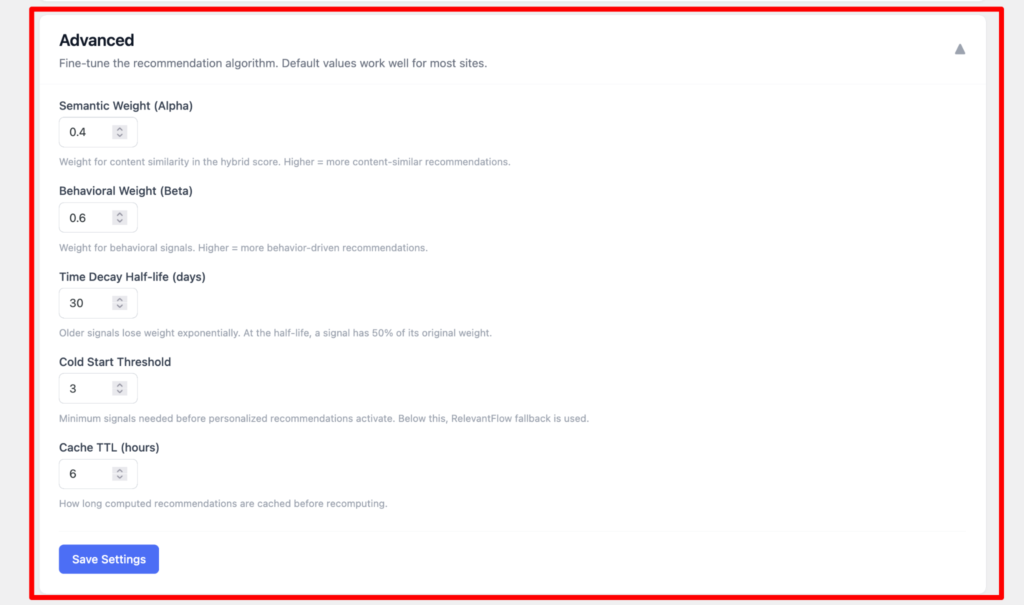
On advanced options you can fine tune the recommendation algorithm. Such as Semantic Weight, Behavioral weight, time decay half life, cold start threshold, cache TTL.
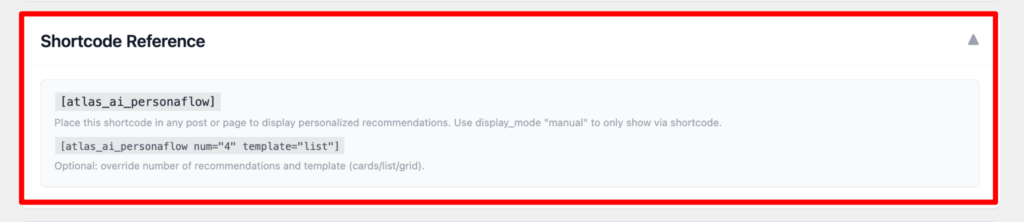
On Shortcode Reference you can use the shortcode to add on the post or pages to display personalized recommendations.
On your post/pages, it will show up like this as the final result: 