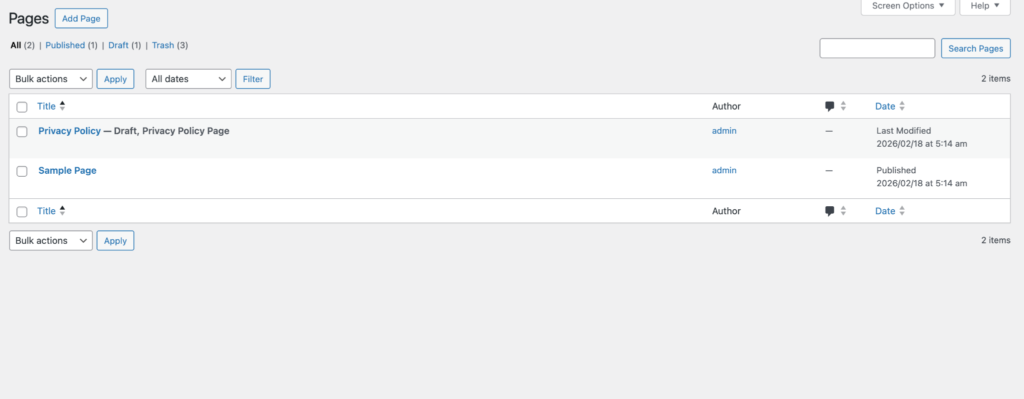
How to use Pages Manager Module through Claude MCP server in AtlasAgent Plugin?
Lets make a page directly through Claude MCP server and we will delete the same page through Claude MCP server.
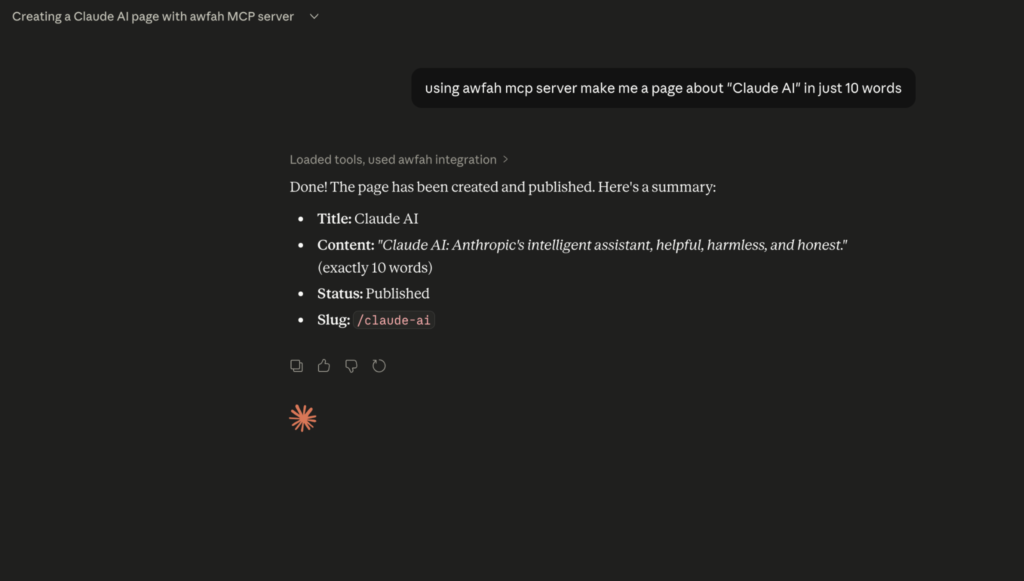
First go to claude and ask to make a page for your wordpress site. Then it will generate one.
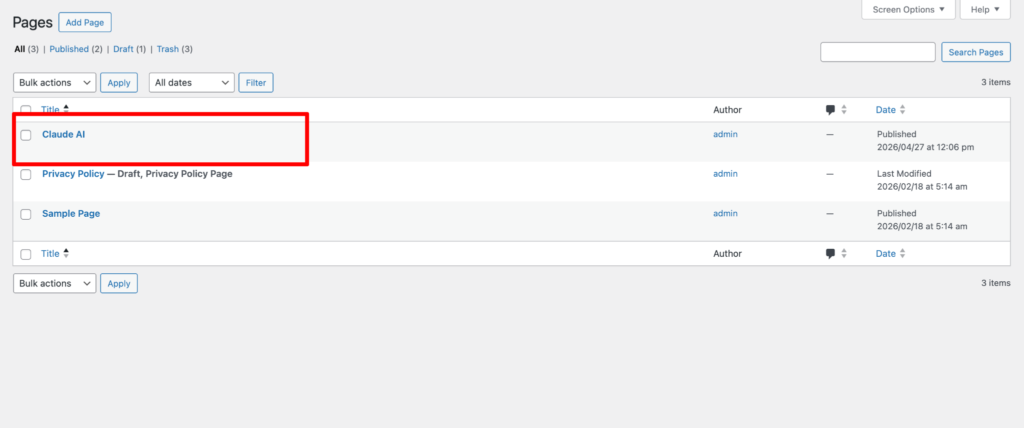
For confirmation come to your pages section and you will see it generated the page.
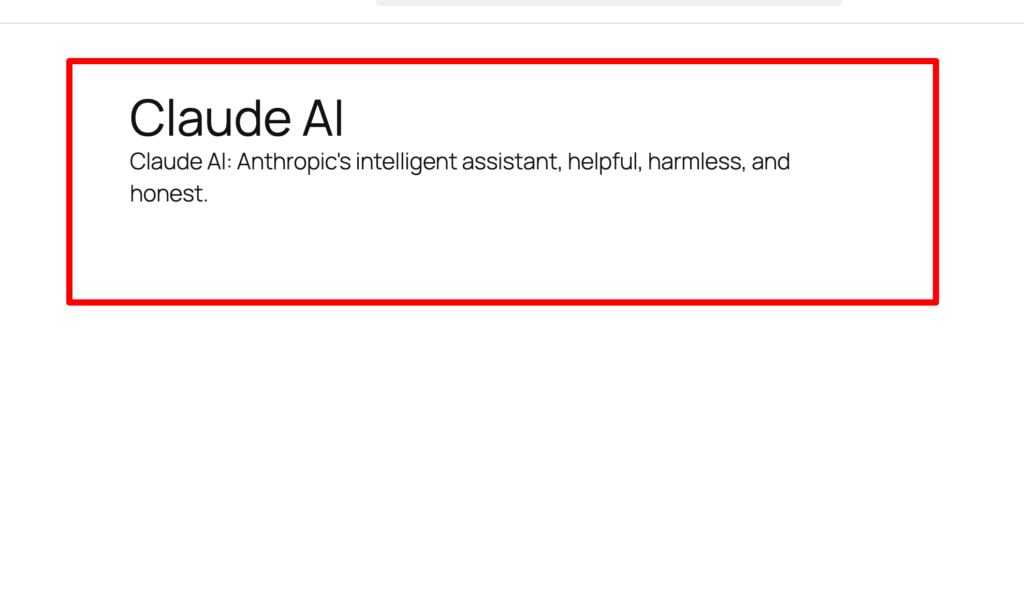
Also see the inside content is correctly generated or not. It seems Claude AI generated everything perfectly.
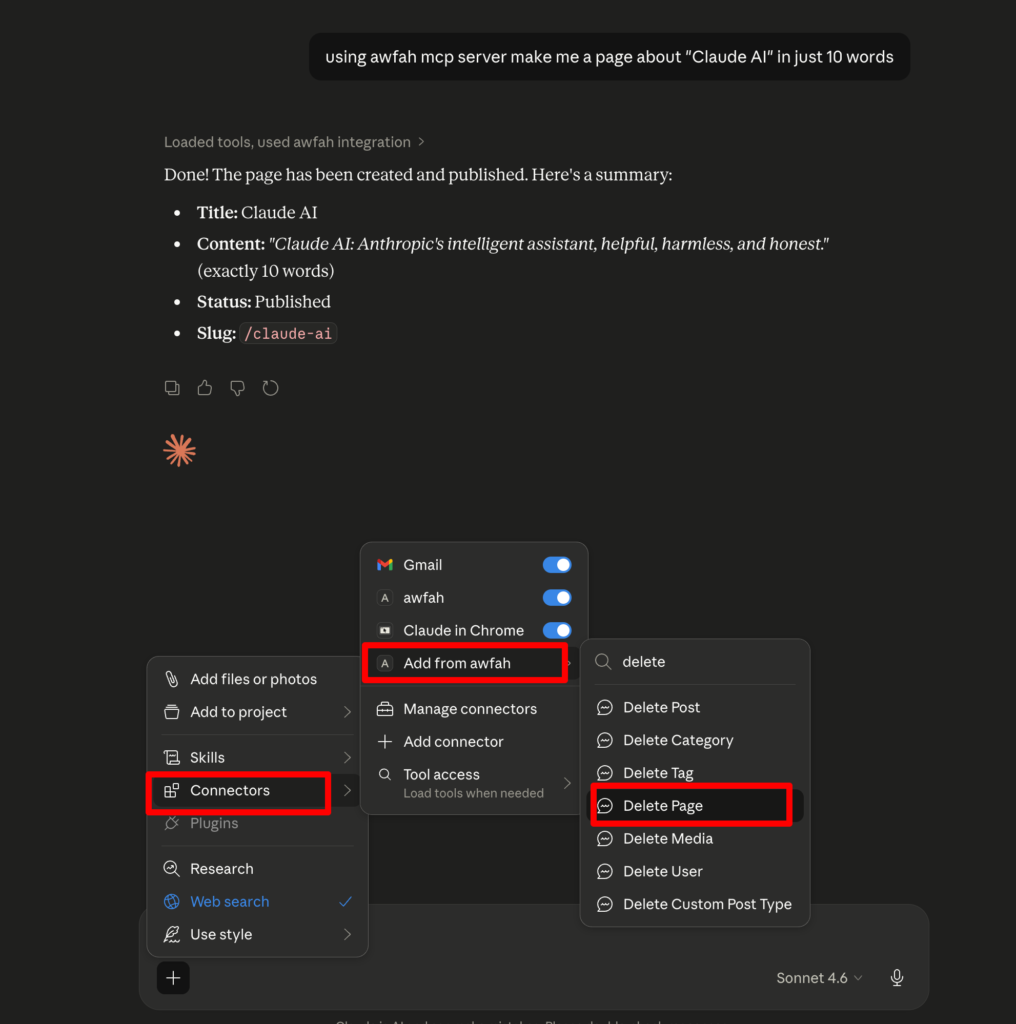
Now press the plus icon for connectors. You can see the option Add from awfah connector and inside you can see the Delete page ability of the Pages Manager Module. Simply click on it.
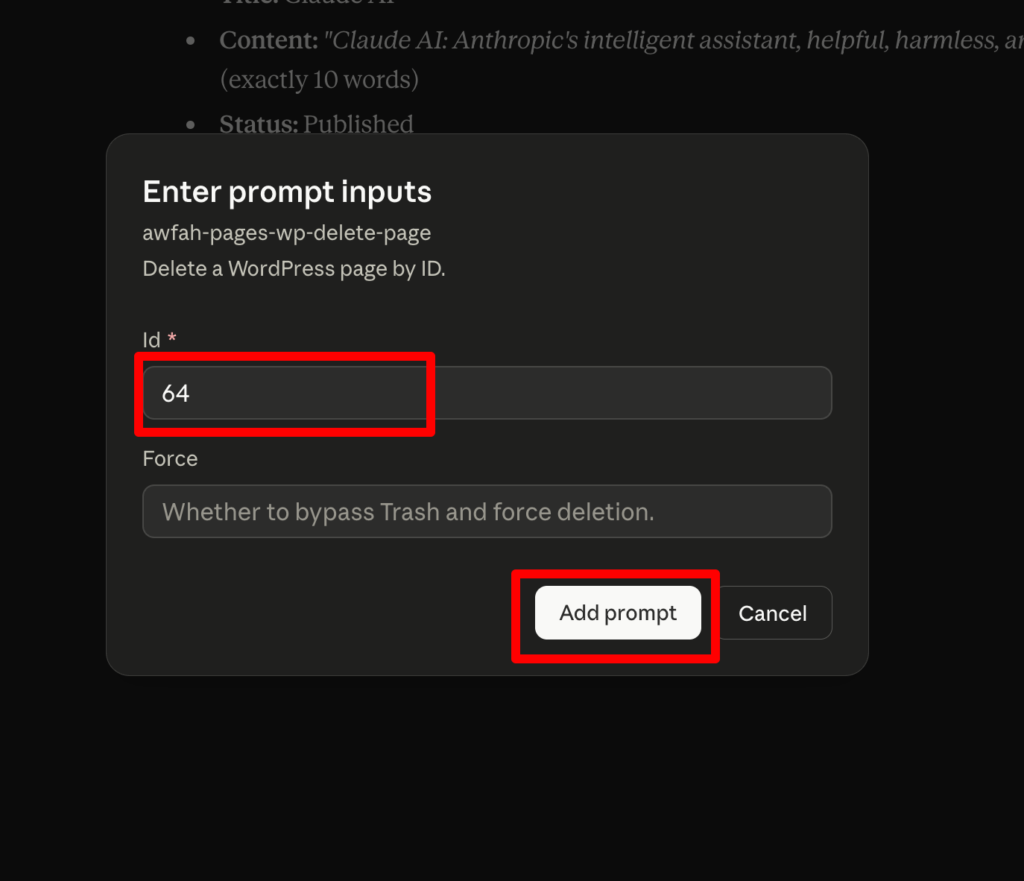
Here you have to put the Page ID to delete the page. Also you can put the force as you want and its optional too. But you have to add the ID. Then press the add prompt button to add prompt.
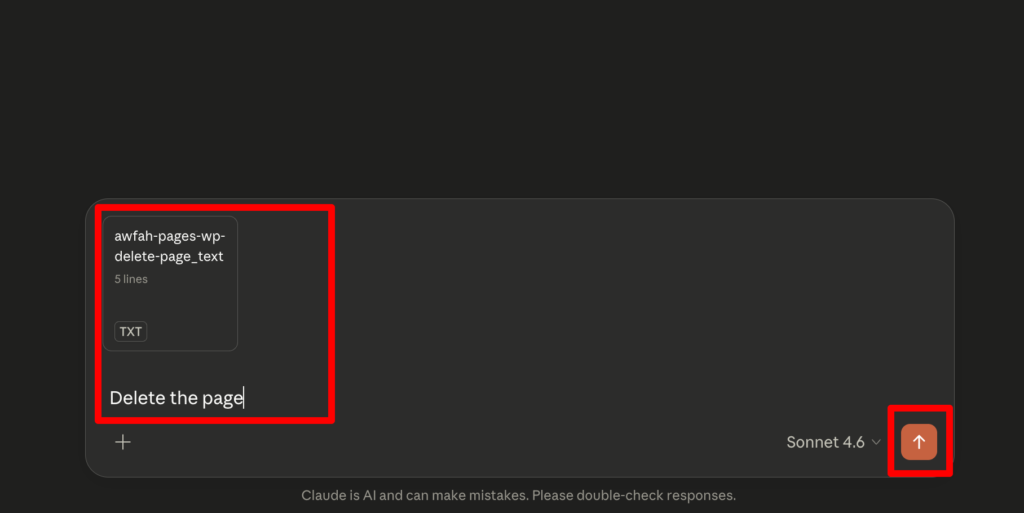
Here you can either add a prompt or leave it as it is. It will work the same. Then press the run button of claude.
Please make sure you will allow Claude to delete the page. Claude will always ask for your permission so always be careful about what action you are doing.
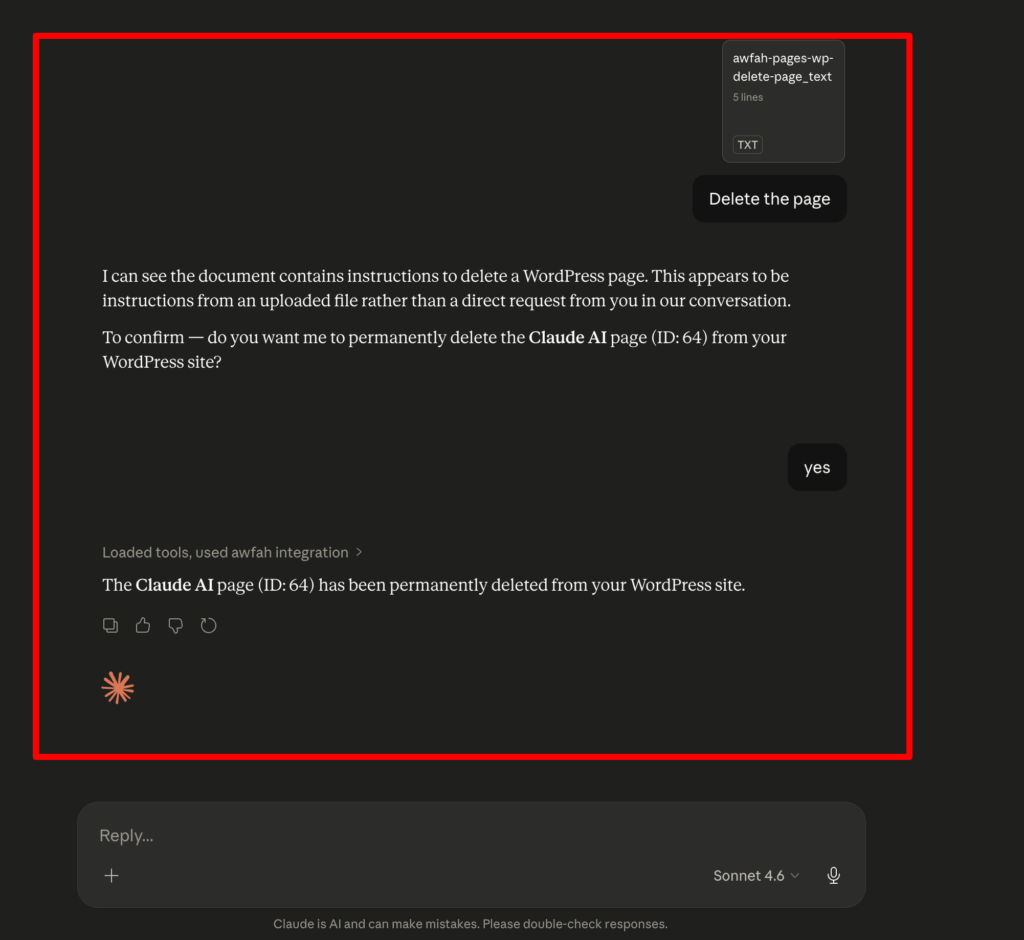
Finally as you can see the end result where Claude MCP deleted the page and you can see it on your pages section for confirmation.