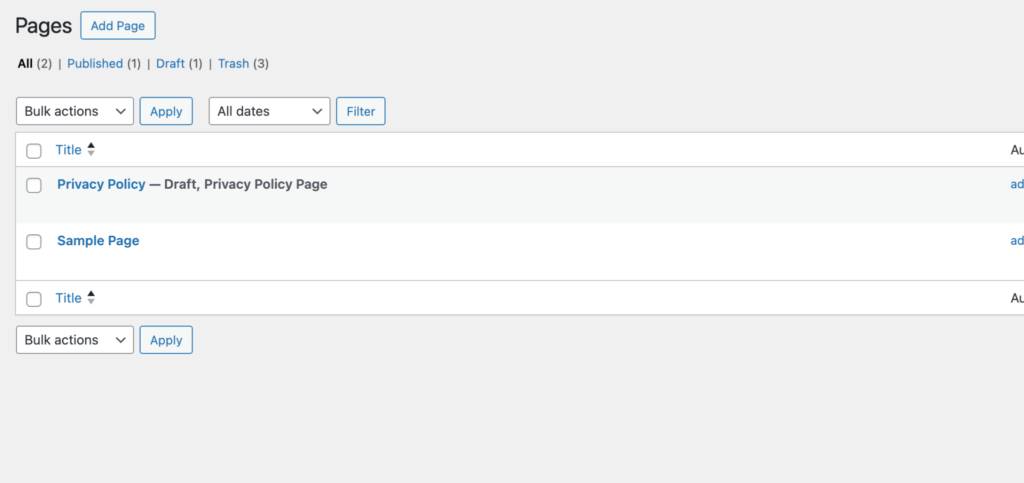
How to use Pages Manager Module in AtlasAgent Plugin?
First come to the AI Agent Hub dashboard.
And turn on the Pages Manager Module.
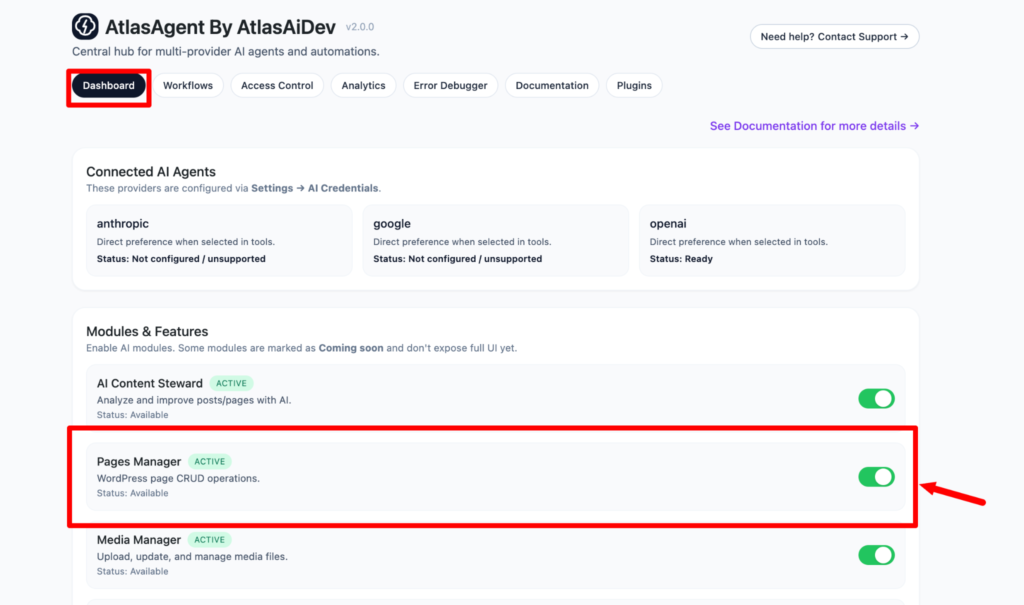
Then go to the Access Control tab. Here you can customize your module as you wish.

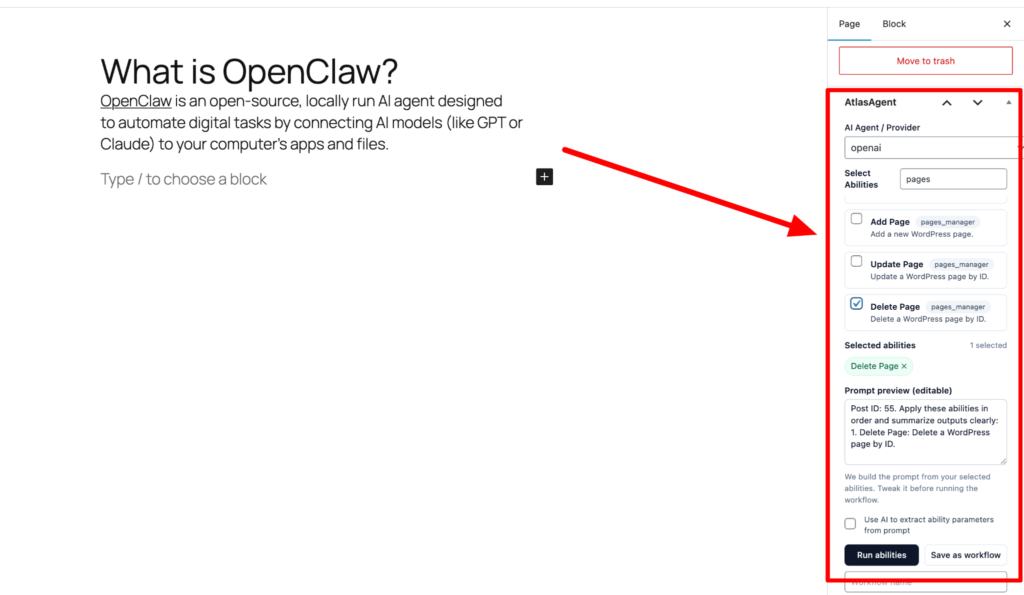
Now go to the edit page. And look at your right sidebar panel . Here you have to set the AI provider first. Here we have selected OpenAI as we have configured it. Then search for the abilities related to pages_manages module and turn on the checkbox. Here we want to delete the page we are editing. Then press the run abilities button.
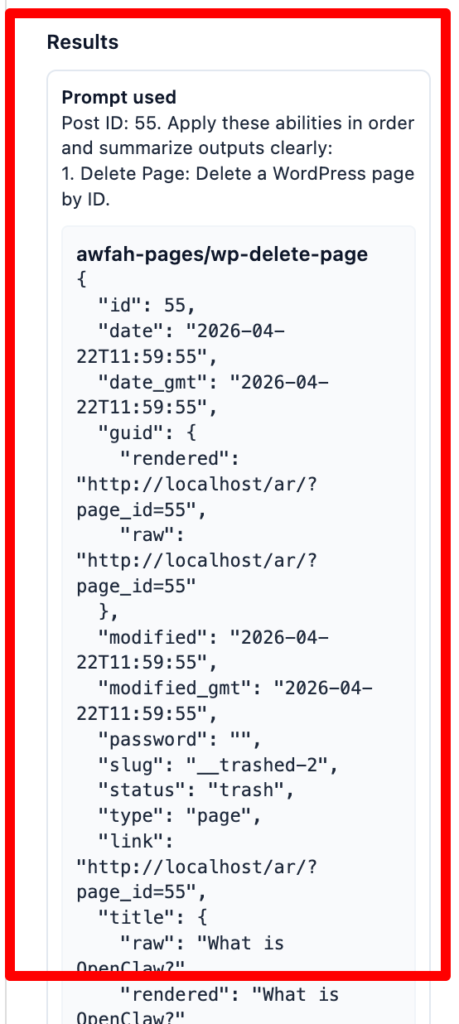
After running the abilities you will see a long result at the very bottom of the right sidebar panel. Here are the results showing that it worked. It deleted the page with the ID:55. This was the same page ID which we were editing.
Now on your pages section we will see the page is no longer available because we have deleted it through the pages_manager module.