E-commerce stores are discovering that text-to-speech technology can significantly improve conversion rates, reduce cart abandonment, and increase customer satisfaction. By allowing shoppers to listen to product descriptions, reviews, and checkout information, online retailers create a more engaging and accessible shopping experience. This article explores proven strategies for using TTS to drive sales on your e-commerce WordPress store.
Why E-Commerce Needs Text-to-Speech
Online shopping is primarily a visual experience, but not all customers can or want to read long product descriptions. Consider these statistics:
- 79% of online shoppers who don’t find a page easy to use will go to a competitor’s site
- Accessible websites see up to 30% higher conversion rates compared to inaccessible ones
- Mobile shoppers — who now account for over 60% of e-commerce traffic — often prefer audio while browsing on the go
- Customers who engage with product content for longer are 3x more likely to make a purchase
Text-to-speech bridges the gap between reading and engaging, turning passive browsers into active listeners who spend more time with your product content.
5 Ways E-Commerce Stores Use TTS to Boost Conversions
1. Audio Product Descriptions
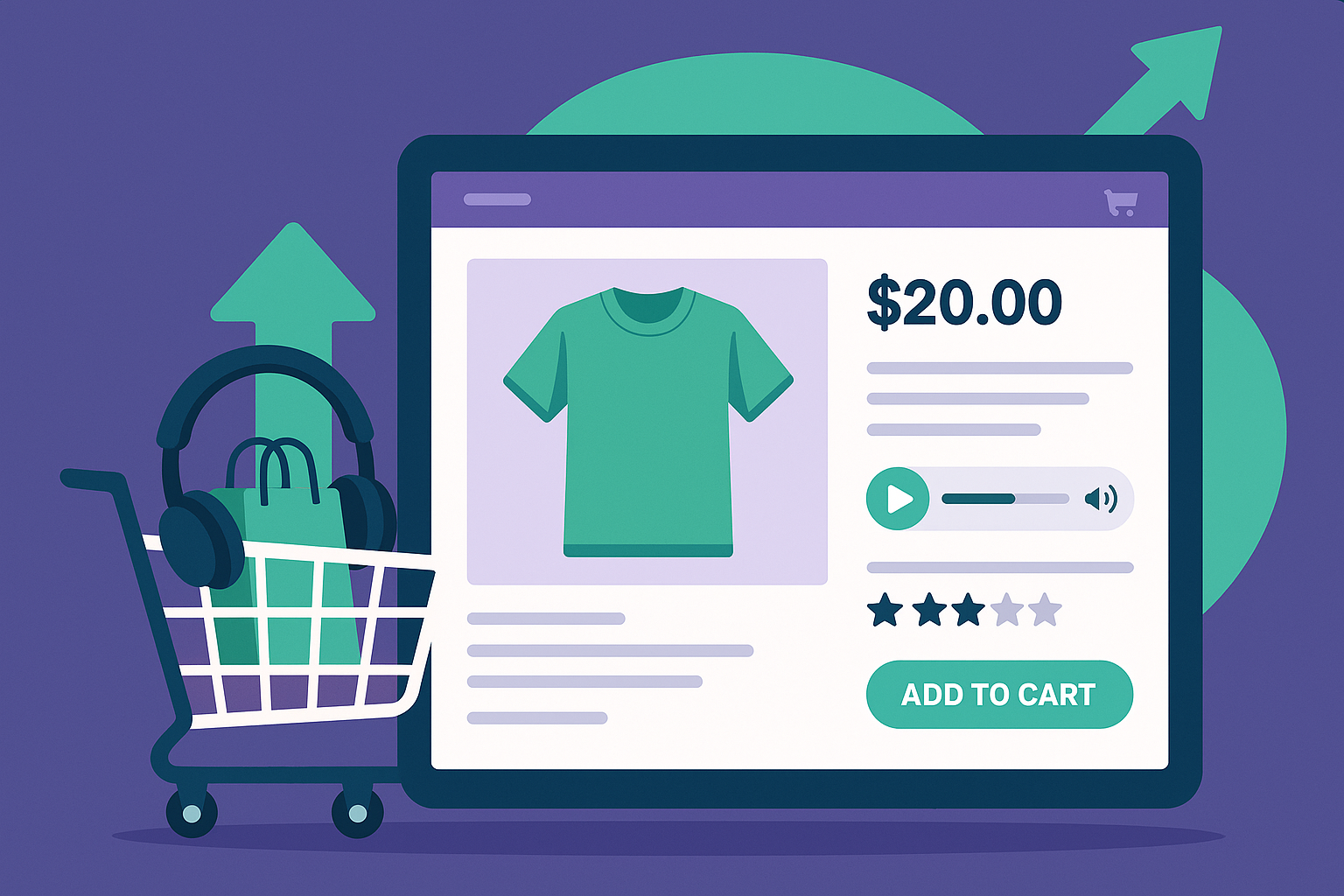
The most straightforward application: let shoppers listen to product descriptions while they browse product images. This is especially effective for products with detailed specifications or compelling storytelling in their descriptions.
How to implement: Install AtlasVoice on your WooCommerce store and enable it for product post types. The listen button appears automatically on every product page, allowing customers to hear the full description while scrolling through images or comparing variants.
Impact: Stores report 15-25% increases in time spent on product pages after adding audio descriptions, directly correlating with higher add-to-cart rates.
2. Spoken Customer Reviews
Customer reviews are among the most influential content on product pages, but long review sections often go unread. Adding TTS to reviews lets shoppers listen while they continue browsing, increasing the amount of review content they consume.
How to implement: Use CSS selectors in AtlasVoice to target the reviews section specifically. You can add a separate listen button just for the reviews area, independent of the main product description player.
Impact: Shoppers who listen to reviews engage with 3-4x more review content compared to those who only read, leading to more informed and confident purchase decisions.
3. Accessibility-Driven Sales
Approximately 15% of the global population lives with some form of disability. Many of these individuals are active online shoppers who face barriers on inaccessible e-commerce sites. By adding TTS, you make your store usable for people with:
- Visual impairments who rely on audio to understand product details
- Dyslexia and other reading difficulties that make processing text challenging
- Cognitive disabilities where listening aids comprehension
- Temporary impairments such as eye strain or post-surgery recovery
Impact: Making your store accessible opens it to an estimated $490 billion in disposable income from people with disabilities in the US alone.
4. Multilingual Shopping Experience
If your e-commerce store serves customers in multiple countries, TTS can bridge language barriers. When product descriptions are available in the customer’s language but they are not confident reading that language, hearing it spoken aloud can make the difference between abandoning the page and completing a purchase.
How to implement: AtlasVoice automatically detects the page language and selects appropriate voices. For WooCommerce stores using WPML or Polylang for multilingual product listings, the TTS voice switches automatically as customers change language.
Impact: Multilingual stores with TTS see higher engagement from non-native speakers, particularly in markets where English is a second language.
5. Audio-Guided Checkout Process
Cart abandonment rates average around 70% across e-commerce. One contributing factor is checkout confusion — customers unsure about shipping options, return policies, or form requirements. Adding TTS to your checkout page can guide customers through the process, especially for complex forms or when explaining terms and conditions.
Impact: Stores that implement guided checkout experiences see abandonment rate reductions of 5-10%, which can translate to significant revenue recovery.
Setting Up TTS for WooCommerce
Getting text-to-speech running on your WooCommerce store takes just a few steps:
- Install AtlasVoice — Available free from the WordPress plugin directory
- Enable for Products — In AtlasVoice settings, check “Products” under post types
- Configure CSS selectors — Target specific content areas like product descriptions, specifications, or reviews
- Customize the player — Match the audio player style to your store’s branding
- Test on mobile — Ensure the player works smoothly on smartphones where most e-commerce browsing happens
Measuring TTS Impact on Your Store
To measure the impact of text-to-speech on your conversions, track these metrics before and after implementation:
| Metric | What to Track | Expected Impact |
|---|---|---|
| Time on Product Pages | Average session duration on product pages | +15-30% increase |
| Bounce Rate | Percentage of visitors leaving from product pages | -10-20% decrease |
| Add-to-Cart Rate | Visitors who add items after engaging with TTS | +5-15% increase |
| Conversion Rate | Overall purchase completion rate | +3-8% increase |
| Accessibility Score | Lighthouse/WAVE accessibility audit scores | Significant improvement |
AtlasVoice Pro includes built-in analytics that track how many visitors use the listen button, which products get the most audio engagement, and how TTS usage correlates with conversions.
Frequently Asked Questions
Does TTS work with all WooCommerce themes?
Yes, AtlasVoice is compatible with all major WooCommerce themes including Storefront, Astra, Flatsome, OceanWP, and custom themes. The player uses standard WordPress hooks and renders consistently regardless of your theme’s structure.
Will TTS slow down my product pages?
AtlasVoice uses browser-based speech synthesis, which means no additional server requests or audio files to load. The player script is lightweight and optimized for performance, with zero impact on your Core Web Vitals scores.
Can I use TTS only on specific product categories?
Yes, you can control TTS display using conditional logic. AtlasVoice allows you to enable or disable the player for specific categories, products, or page templates.
Is TTS effective for fashion and visual products?
Absolutely. While fashion shopping is visually driven, product details like fabric composition, care instructions, sizing guides, and styling suggestions are heavily text-based. TTS lets customers listen to this information while focusing on product images — creating a richer, more immersive browsing experience.
Start Turning Listeners Into Buyers
Text-to-speech is no longer just an accessibility feature — it is a conversion optimization tool that smart e-commerce stores are using to gain a competitive edge. The data is clear: when customers can listen to your product content, they engage more deeply and buy more frequently. Start with a free AtlasVoice installation on your WooCommerce store and watch the impact on your bottom line.
🔊 Stay Updated with AtlasVoice
Get the latest tips on text-to-speech, accessibility, and WordPress delivered to your inbox.
No spam. Unsubscribe anytime.